MessageStage
Big messages, on your TV
Type or dictate a few words, pick how they should look, and they're up on the TV, big and clear enough to read from the sofa. There are thirteen ways to show a message, plus QR codes, your own photos, playlists, schedules and live control from your iPhone or iPad. You don't need an account or a subscription, and it works with the network turned off.
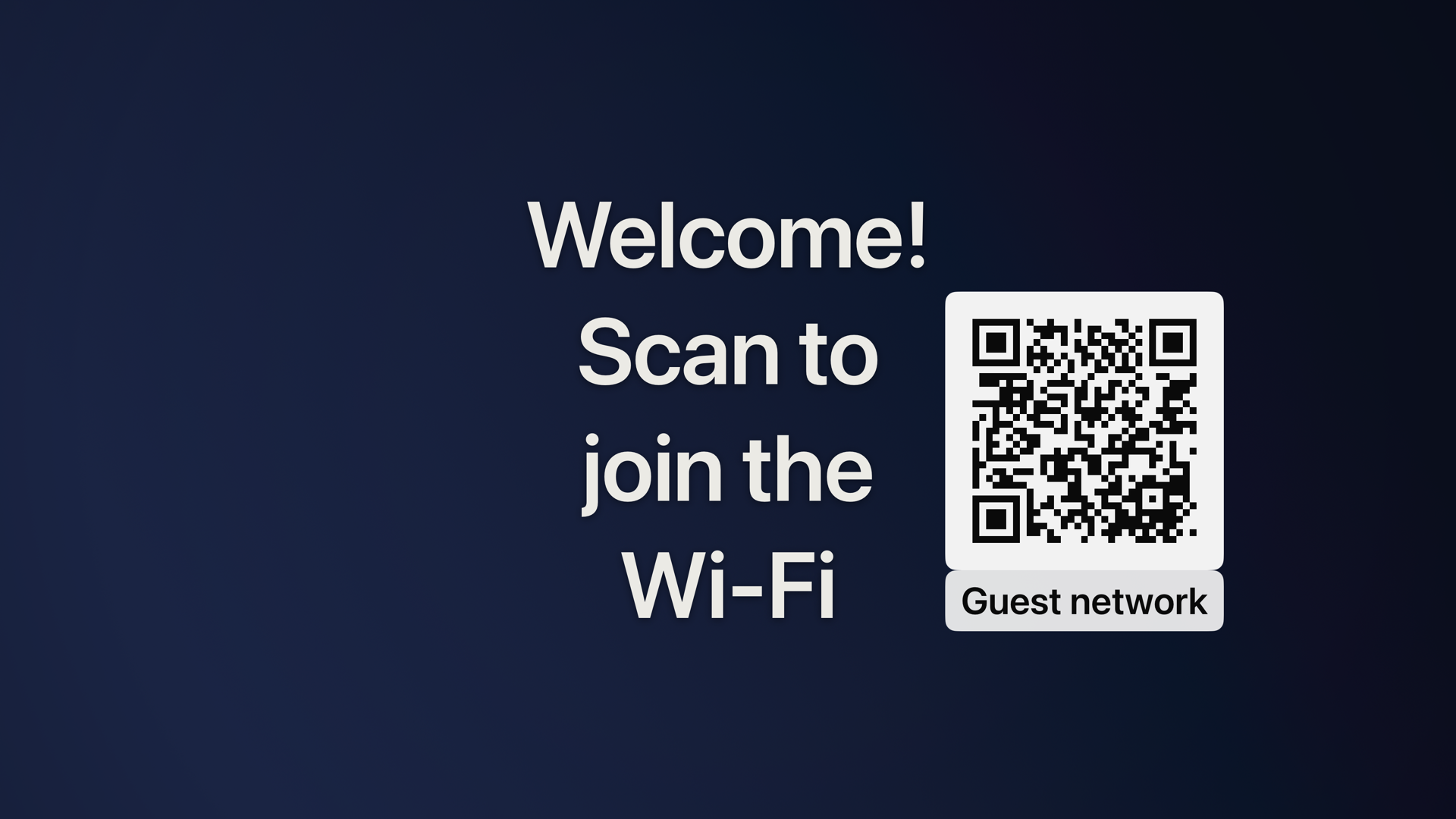
Apple TV · A welcome message with a scannable Wi-Fi code
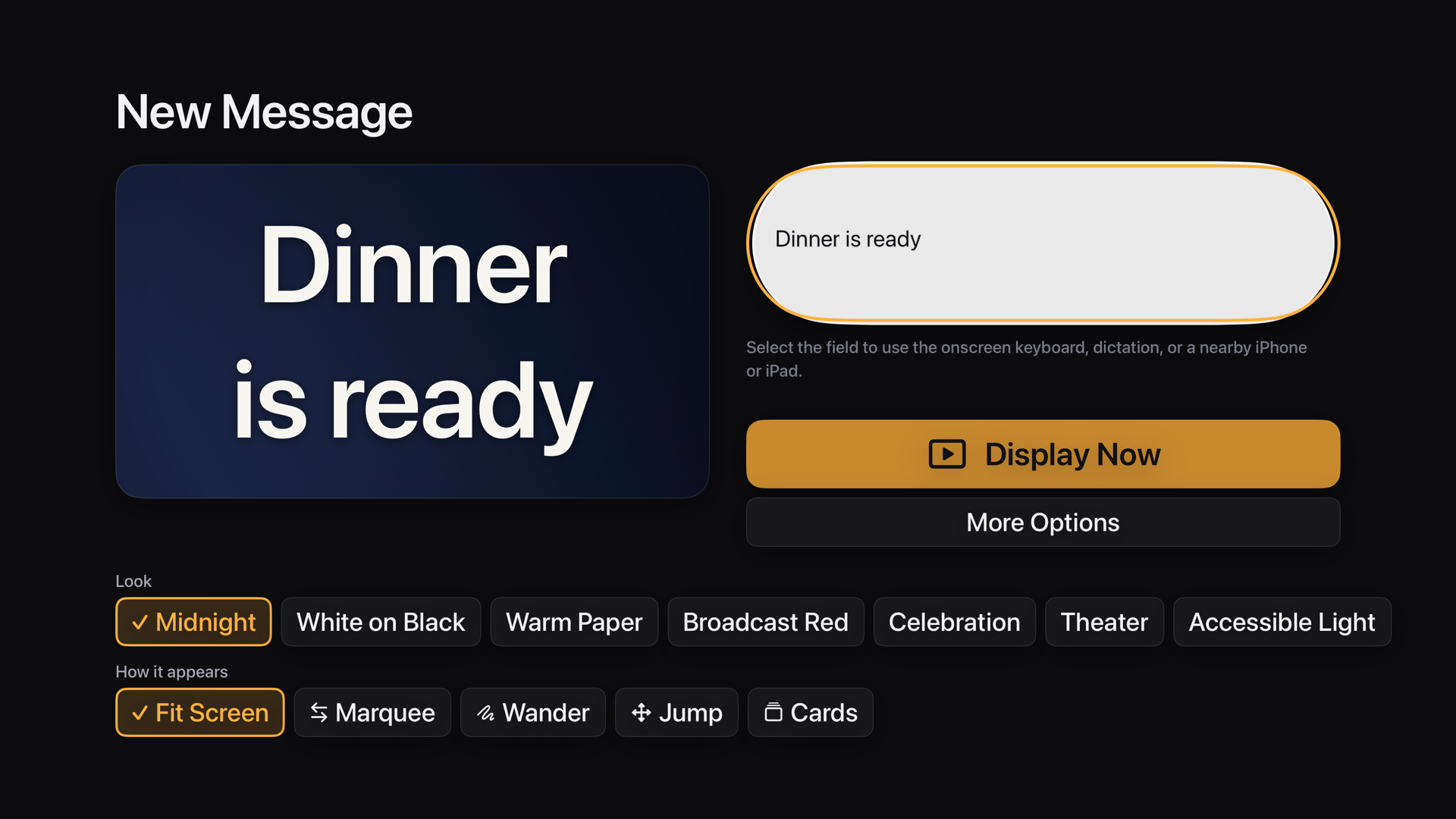
Quick Compose: type, pick a look, Display Now

Your own photo as the background
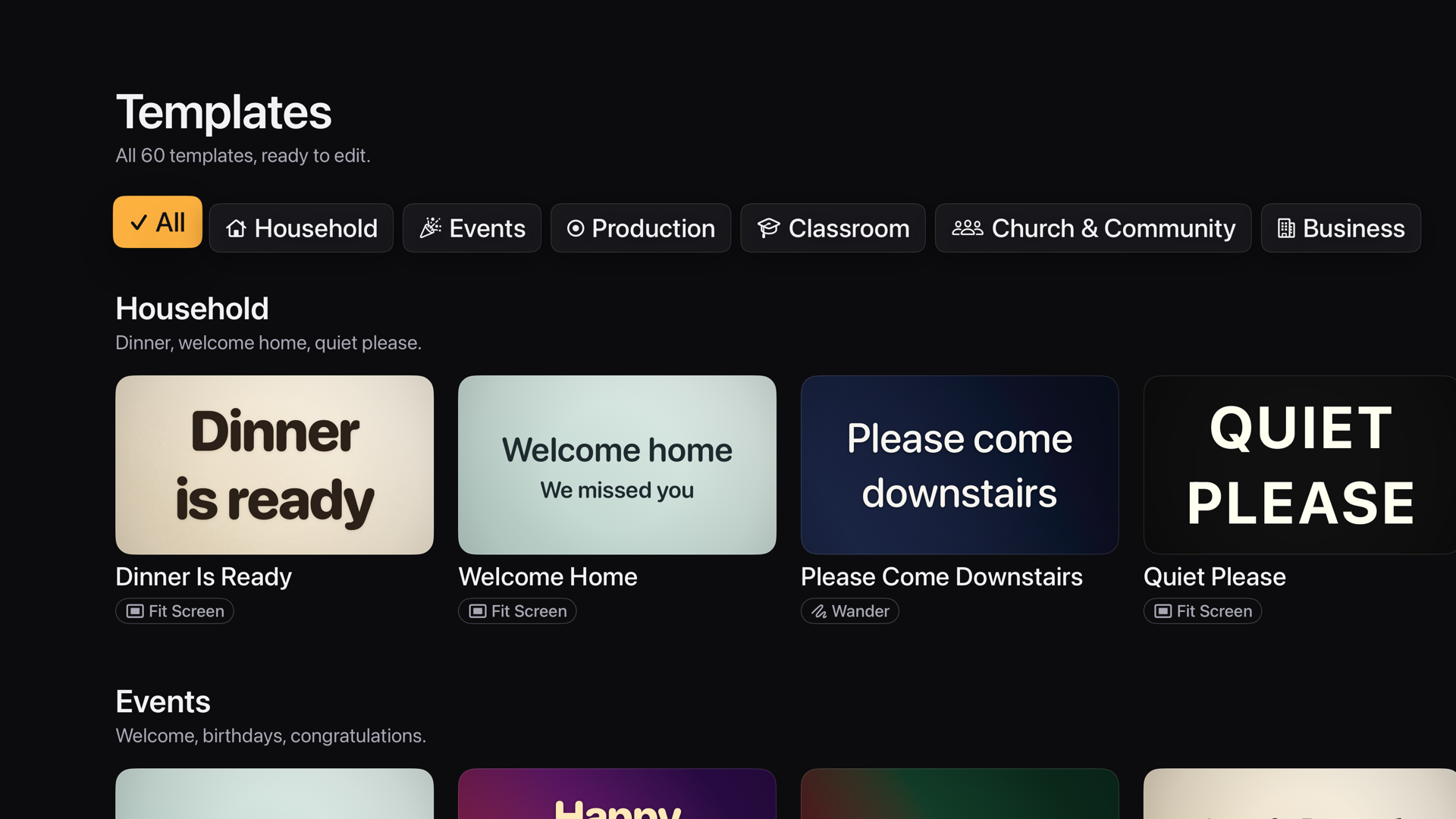
Sixty ready-made messages, all editable
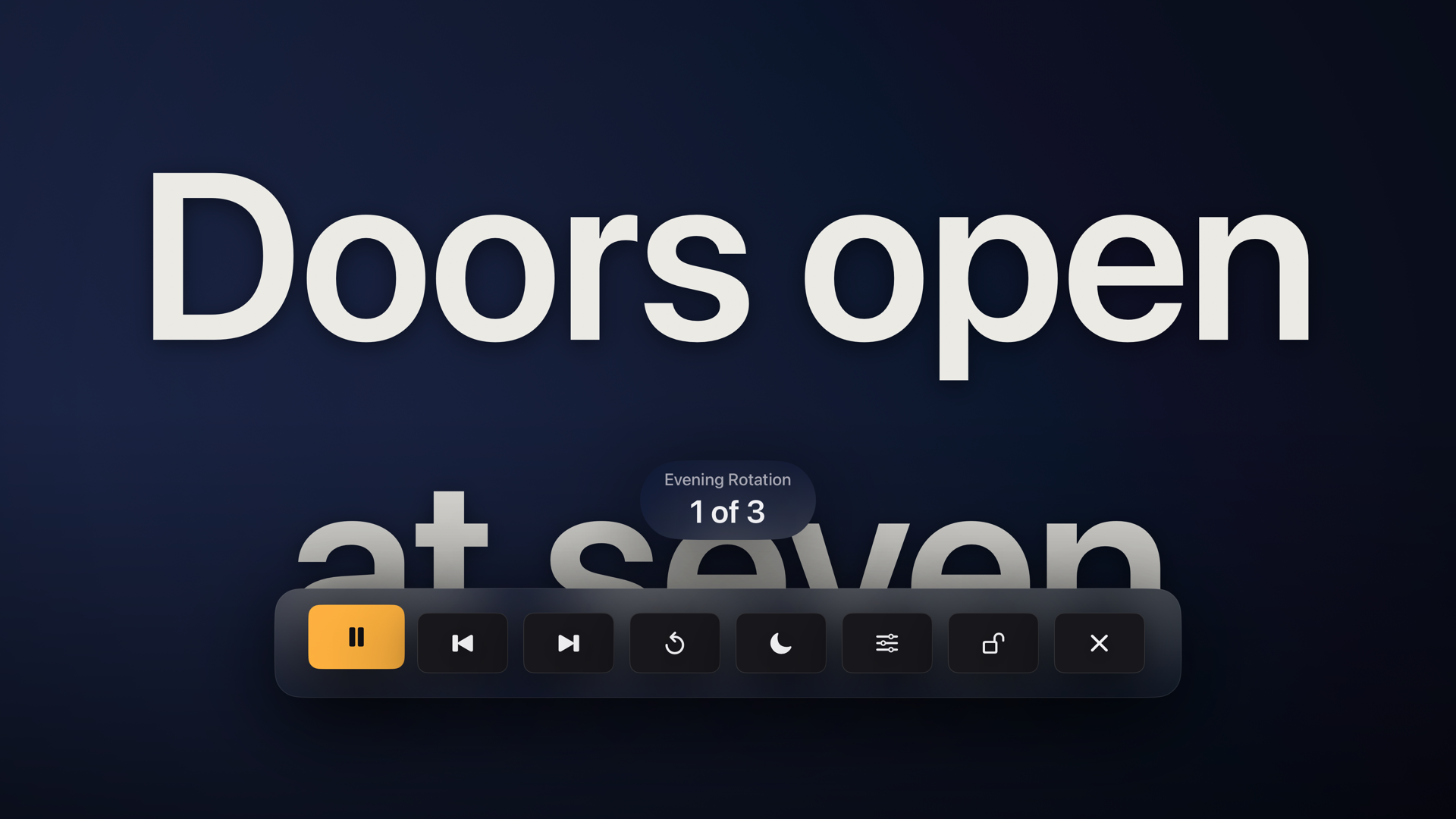
A playlist running on its own all evening
Made to be read across a room
Lots of ways to put words on your TV
For Apple TV running tvOS 18 or later. Use the Siri Remote, dictation, or a paired iPhone or iPad. The optional MessageStage Companion app runs on iPhone and iPad with iOS 18 or later and talks to the TV over your home network.The companion needs MessageStage 2.0 on the Apple TV and the Pro unlock, which you buy on the TV. Schedules only run while MessageStage is open on the Apple TV, because tvOS doesn't let an app turn the TV on or interrupt another app.
MessageStage is free for creating and showing messages, with Fit Screen, Marquee and Jump, up to twenty saved messages, a dozen templates, the core styles and basic Screen Care. There are no ads and no watermark. MessageStage Pro is a one-time purchase, not a subscription. It adds the other display modes, unlimited saved messages, all sixty templates, the advanced style controls, timers and countdowns, QR codes, photo backgrounds, playlists and schedules, iPhone control and iCloud sync. It works with Family Sharing.The App Store shows the price in your own currency. Restore Purchases is in Settings, and you don't have to get past a paywall to reach it.
A bright image left still on a screen for hours can leave a mark. Screen Care shifts position, colour and brightness over time to cut down how long any one part of the screen stays lit. It can't guarantee that image retention or burn-in won't happen, and it doesn't change your TV's own settings.If you leave a message up for long stretches on an OLED or another panel that's prone to retention, follow the manufacturer's advice too.
Privacy
Nothing leaves your Apple TV unless you say so
MessageStage keeps your messages on your Apple TV. There's no account, no sign-in, no advertising, no analytics and no tracking, and the app works with the network turned off. It only makes the connections you switch on: an encrypted link to your own iPhone on your home network and, if you choose, sync through your own private iCloud storage. Its App Store privacy label is "Data Not Collected." Read the full privacy policy.