Starflight
Ambient Warp
A slow drift of stars for your living room that also makes a precise test of black level, backlight uniformity and local dimming on any TV or projector. No account and no network.
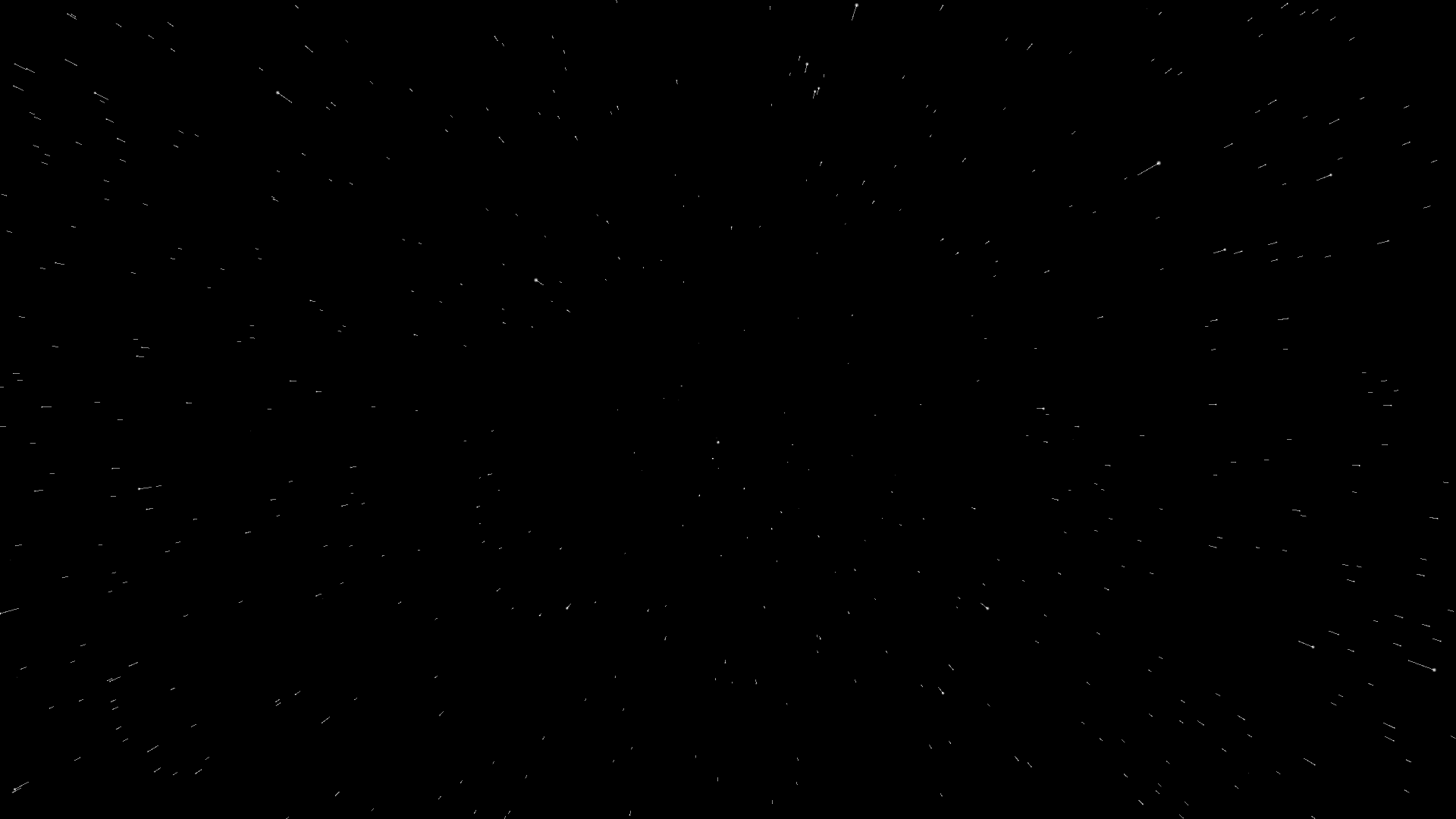
Apple TV · Ambient Drift
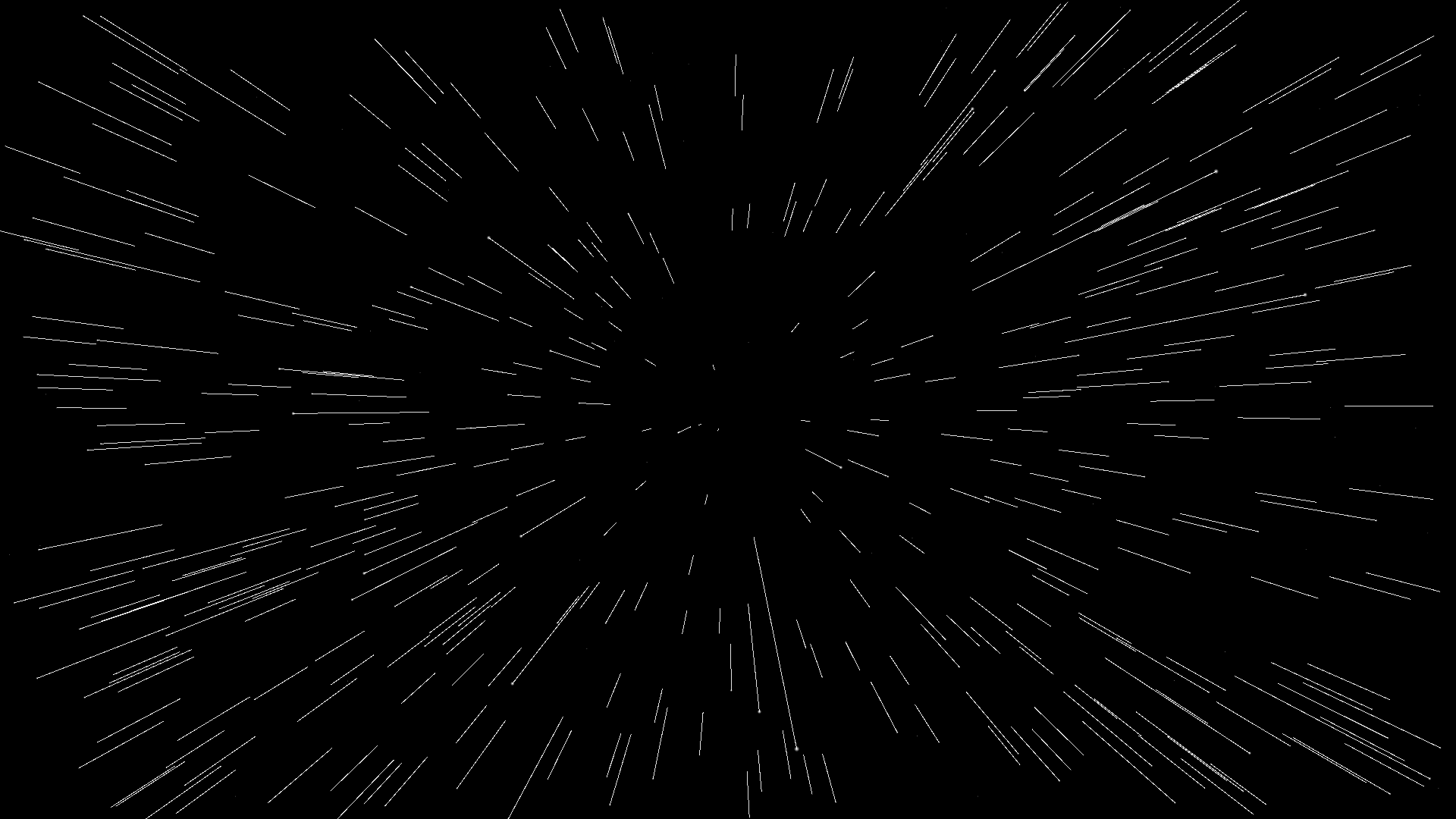
Hyperspace
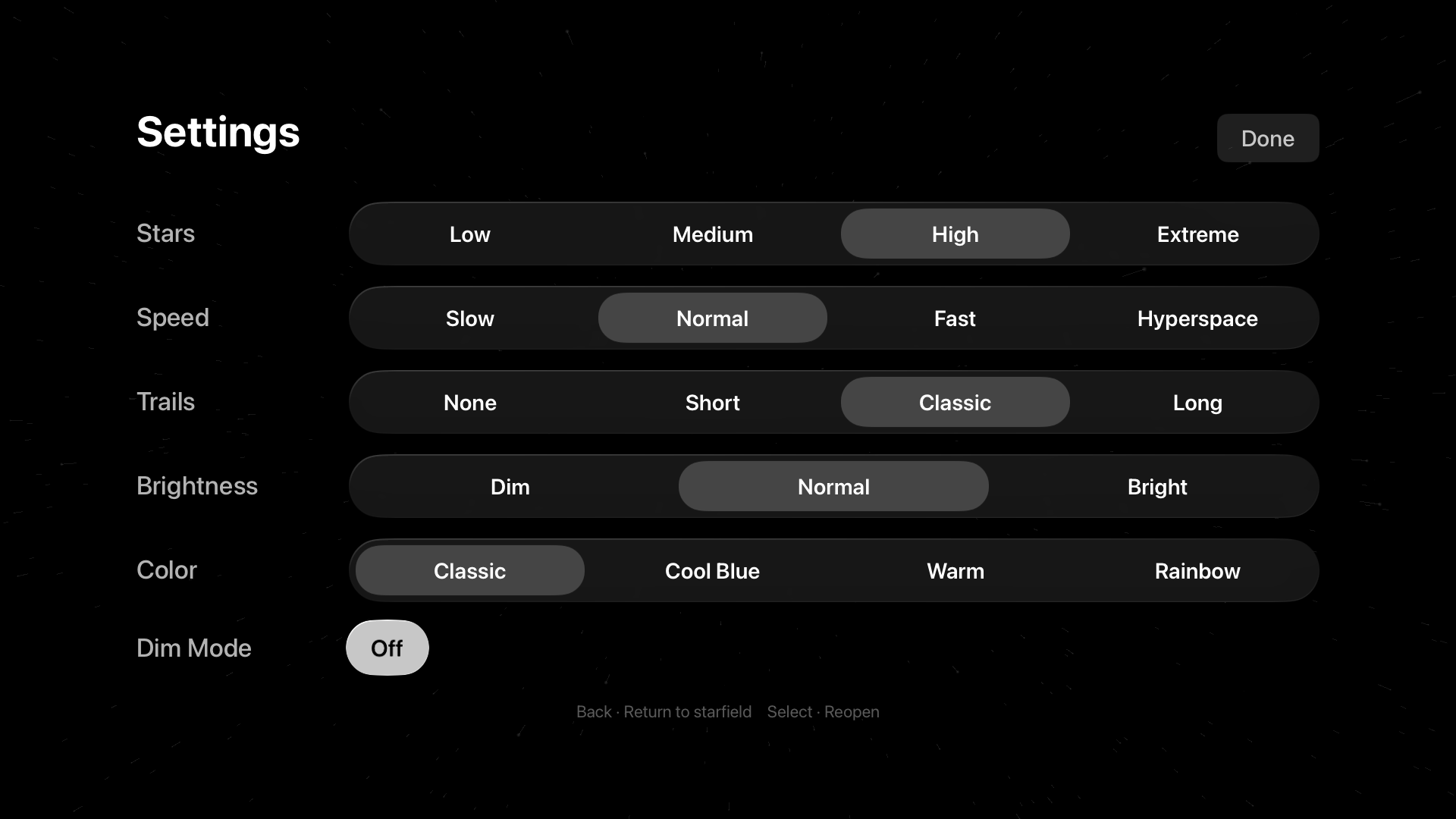
In-app Settings
A screensaver and a display test
Set the mood, or test your screen
For Apple TV running tvOS 17 or later. Everything is done with the Siri Remote: Select opens settings, swiping changes speed and density, and Play/Pause freezes the stars in place.Starflight keeps the Apple TV screensaver from starting while it runs. Your TV's own sleep timer is separate, so raise it in the TV's settings if you want Starflight to run for a long time.
Privacy
Nothing leaves your Apple TV
Starflight doesn't collect, send or share any personal data. There's no account, no sign-in, no network access and no analytics or tracking. Your display settings are stored only on your Apple TV.