Phosphoria
A kaleidoscope for your TV
Forty-two drawing algorithms take turns on a mirrored canvas, making stars, spirals, arches, ribbons, lattices and fountains, with three to nine of them layered on one screen. The picture holds for a moment, one of twenty-four fades clears it away, a new palette is mixed, and it starts again. Every line and every fade is drawn live, so it never repeats.
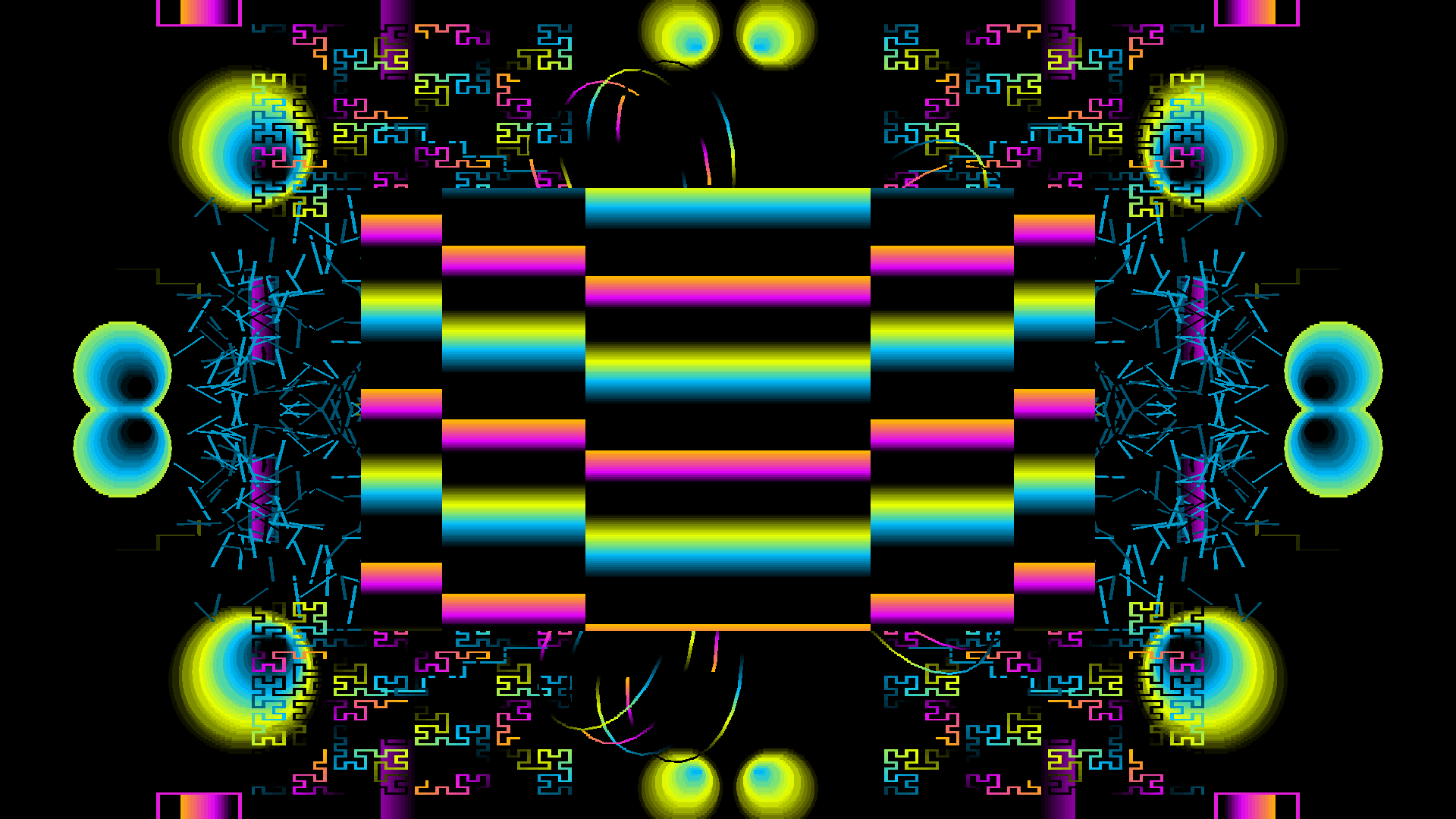
Apple TV · One finished Auto screen
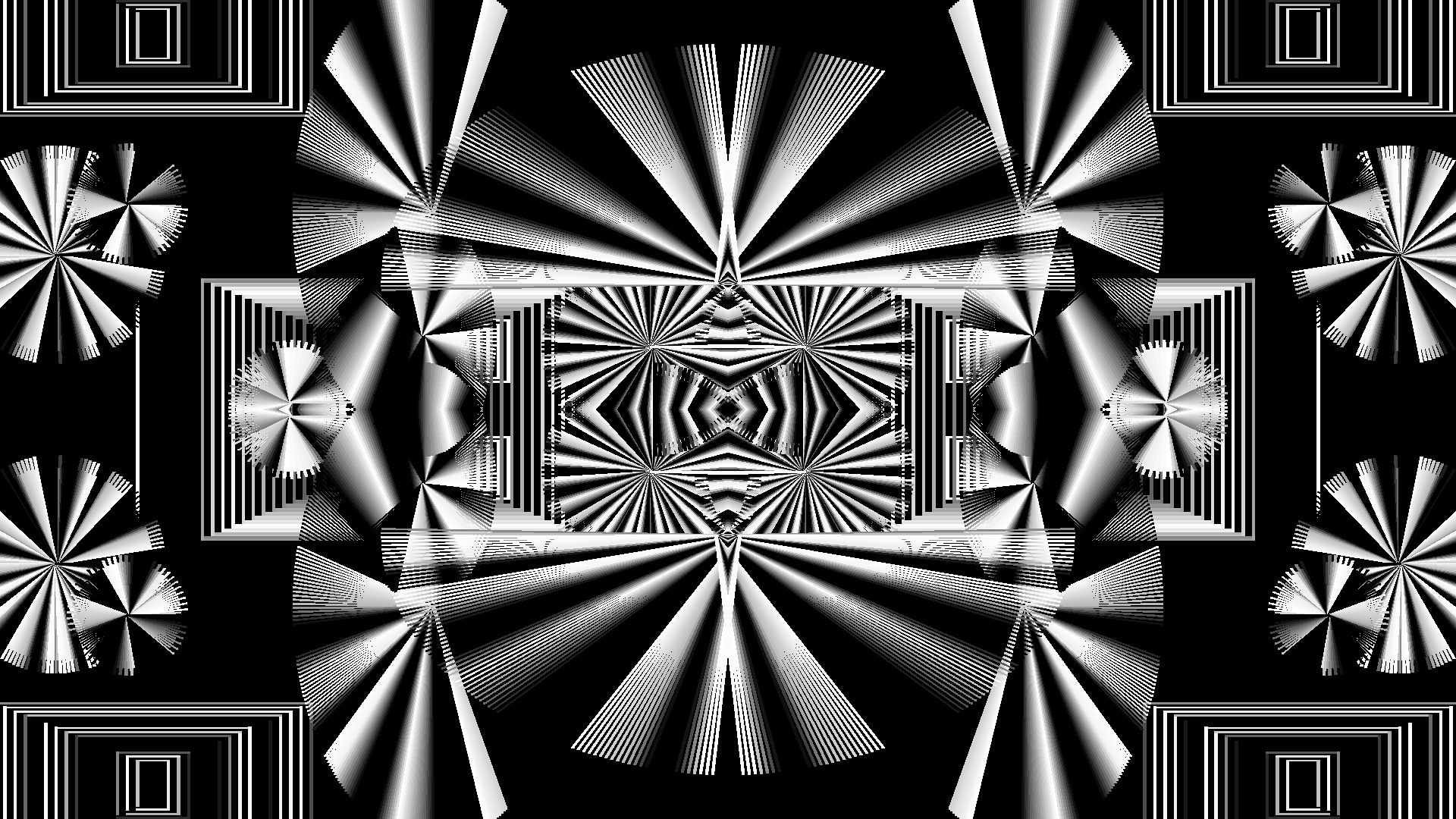
A monochrome palette, mixed on the spot
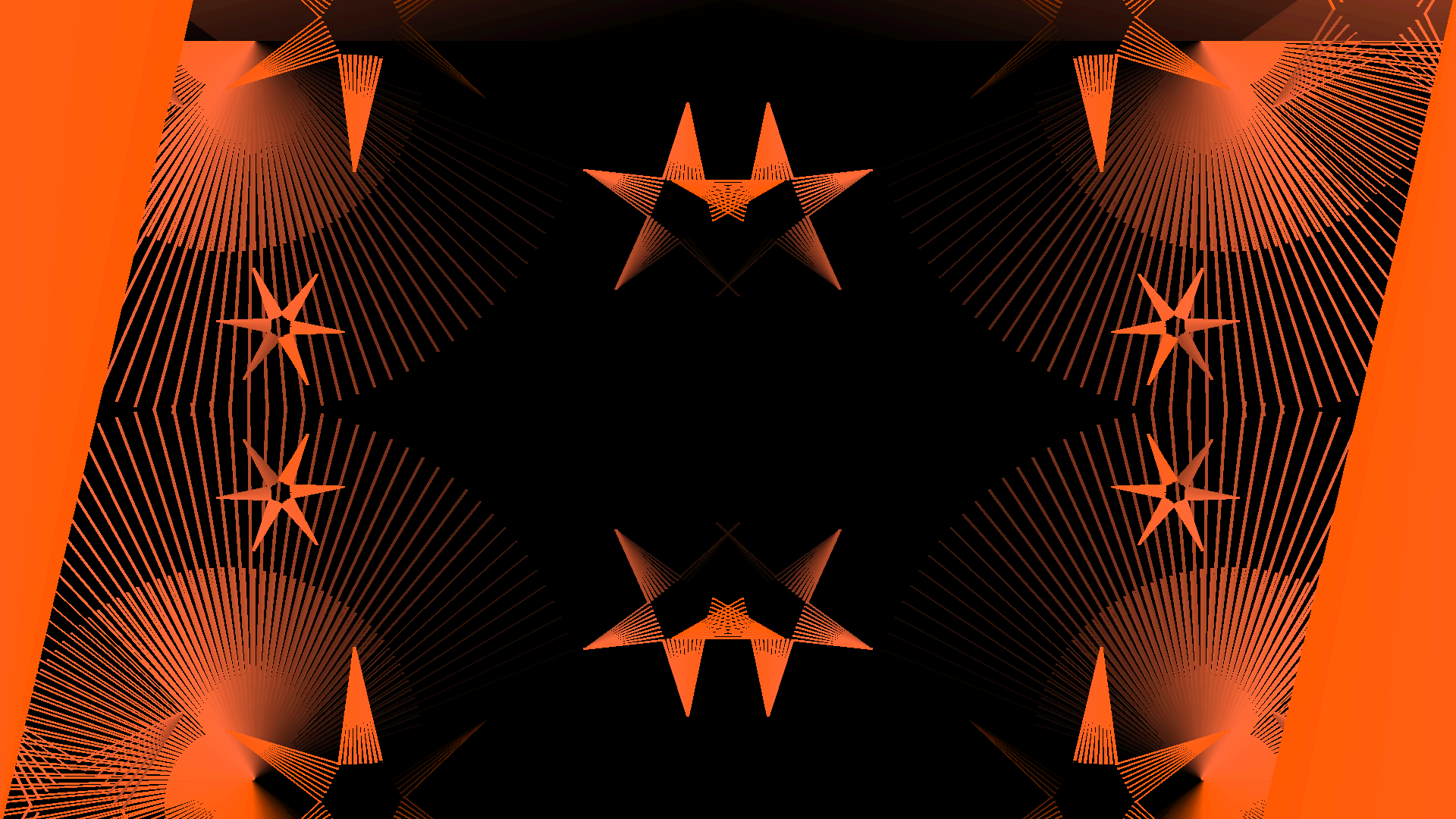
Every screen gets its own 256-colour palette
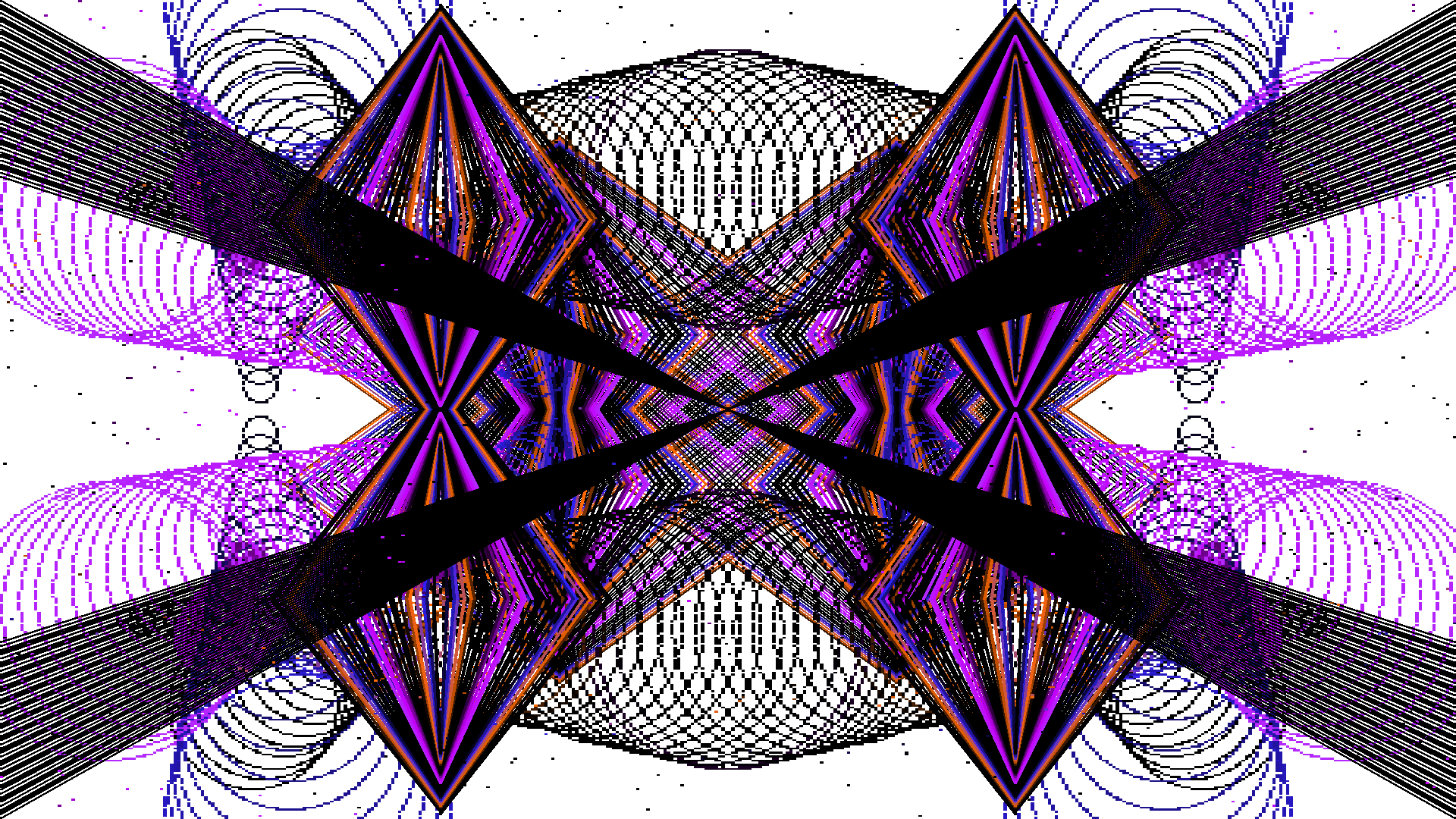
Backgrounds aren't always black
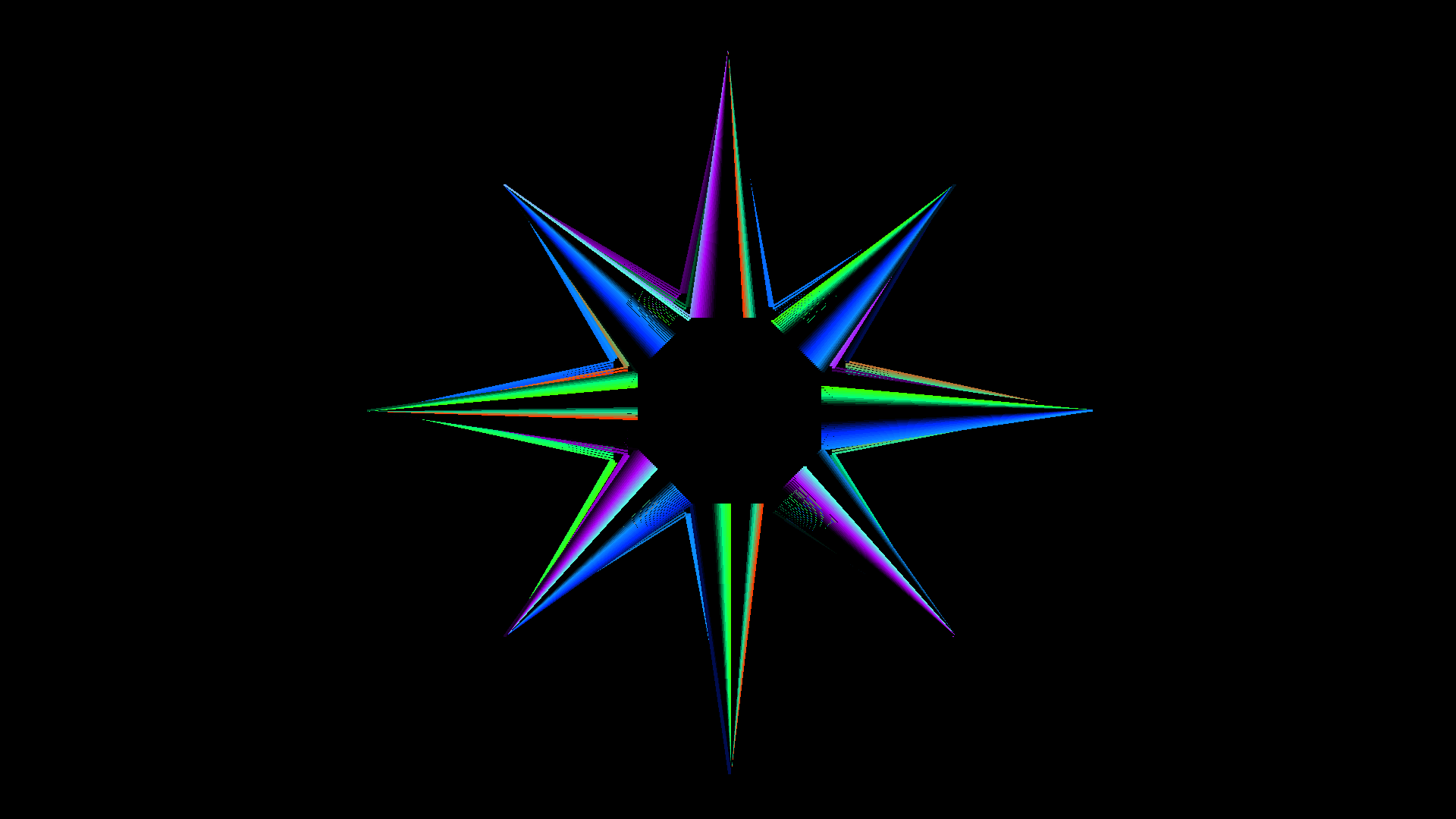
Semi-Auto: one algorithm, drawn by hand
Drawn live, one mark at a time
Forty-two images, twenty-four fades, no repeats
For Apple TV HD and Apple TV 4K running tvOS 18 or later. Everything is done with the Siri Remote. Play/Pause switches between Auto and Semi-Auto, Menu opens the configuration screen, swiping up moves to the next picture and down holds the current one, and left and right slow down or speed up the colour cycling. If you have a Bluetooth keyboard, it gets the original key layout, one for one.On an Apple TV 4K the app draws to a real 3840×2160 surface, so 4K is native, not supersampled, and the app picks it on first launch if your TV supports it. Apple TV HD stays at HD.
Choose Classic 4:3, the original 320×400 canvas with black bars at the sides, or Expanded 16:9, where the canvas really is wider instead of stretched, so mirrors stay centred and circles stay round. Resolution can be Classic, HD or 4K. Classic keeps the chunky VGA blocks, and Crisp pixels draw them with no blending at all. At 4K in 4:3, that gives you exactly the original's pixel shape.Smooth is the default. It keeps the blocks hard-edged without shimmering as they move. Whole gives perfectly even blocks at the cost of black borders. At 4K on an Apple TV 4K each drawn pixel is already a screen pixel, so all three look the same.
Inspired by a 1990 shareware screensaver for MS-DOS by James R. Shiflett. Phosphoria is an independent version written from watching how that program behaves. It shares no code or assets with it and is not affiliated with or endorsed by its author.
Privacy
Nothing leaves your Apple TV
Phosphoria doesn't collect, send or share any data. There's no account, no sign-in, no networking code at all and no analytics, advertising or tracking. Your settings (layout, resolution, which images and fades are on, and the speeds) are stored only on your Apple TV, and deleting the app deletes them. Its App Store privacy label is "Data Not Collected." Read the full privacy policy.