Blot
Fold your phone to print ink
Paint on one half of the inner screen, close your iPhone Duo, and open it again. The wet ink is pressed onto the other half, the way a monotype or a Rorschach card is made. How fast you close it, how long you keep it shut, and how fast you open it all change the print.
Coming soon to the
App Store Get support →
App Store Get support →
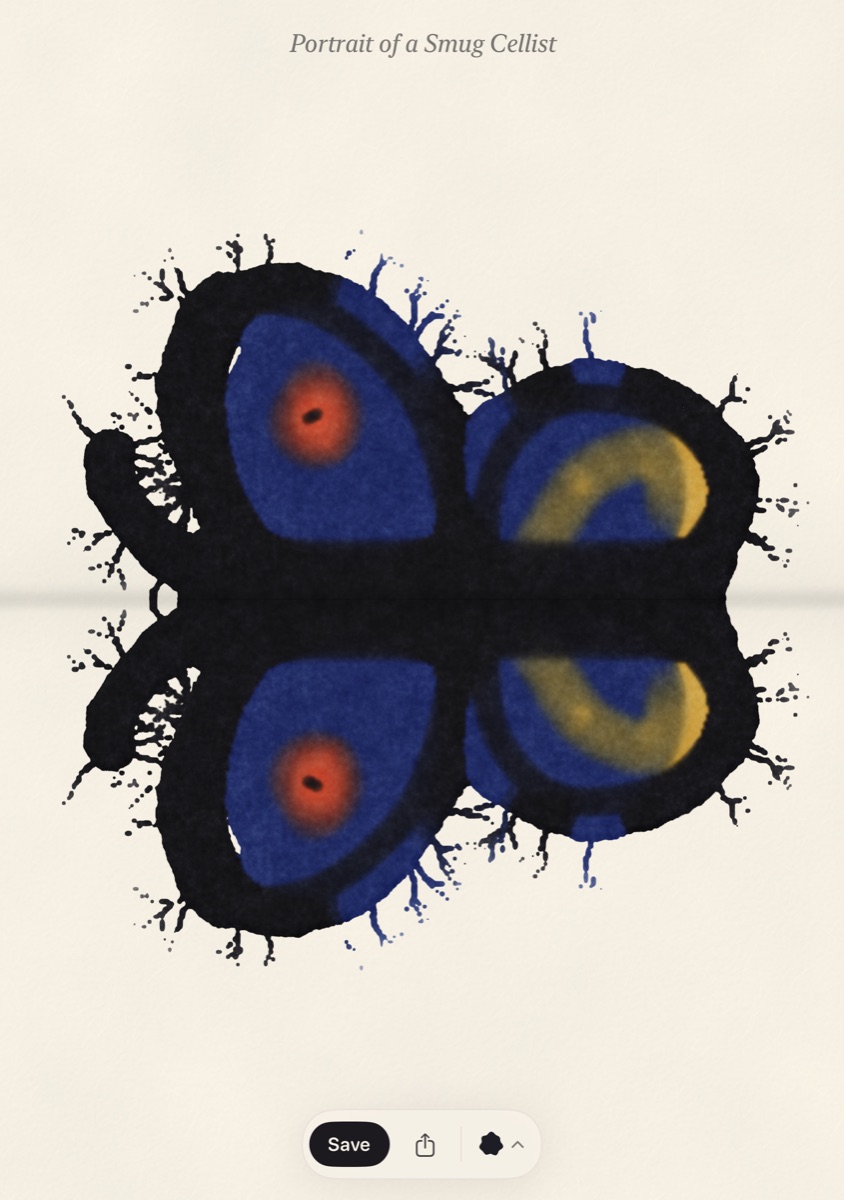
iPhone Duo · Open
iPhone Duo · Closed
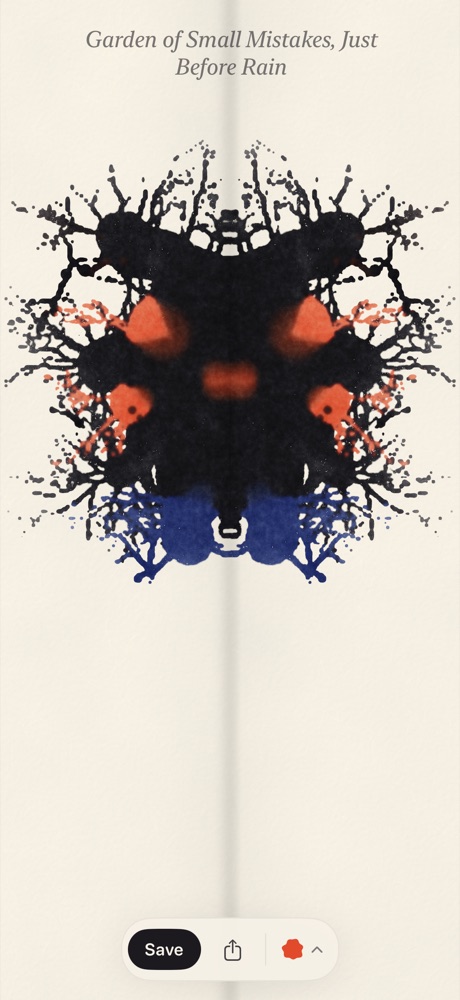
Other iPhones · Press and peel
A small printing press
The hinge is the press
6
Six inks
Sumi black, indigo, vermilion, ochre, viridian and magenta
SLAM
Close fast or slow
A fast close spreads the ink wider and throws droplets
HOLD
Keep it shut
The longer the phone stays closed, the more ink soaks across
PEEL
Open fast or slow
Slow gives soft edges; fast pulls the ink into thin tendrils
DRY
Ink dries as you work
Press right away or wait a minute and get a different print
MIX
Colors mix
Overlapping inks blend, and you can paint over a print and press again
SAVE
Save or share
A finished sheet with the title, pressure and date written under the print
●
No data, no account
No ads, no in-app purchases, and nothing leaves your phone
Compatibility
Made for iPhone Duo and runs on any iPhone with iOS 27.1 or later. On iPhone models without a hinge, a Press button and a peel handle take the place of folding.
Privacy
Nothing leaves your phone
Blot doesn't collect, send or share any data, and it never connects to the internet. Your prints stay in the app until you save them to Photos or share them yourself.