PatternScope TV
Display Test Patterns & Guided Checks
Professional test patterns for your Apple TV, covering calibration, uniformity, dead pixels, motion, Mini-LED, OLED, HDR and audio/video sync. Guided workflows and plain-English notes explain what each pattern shows and what to look for. There's no account, and nothing leaves your Apple TV.
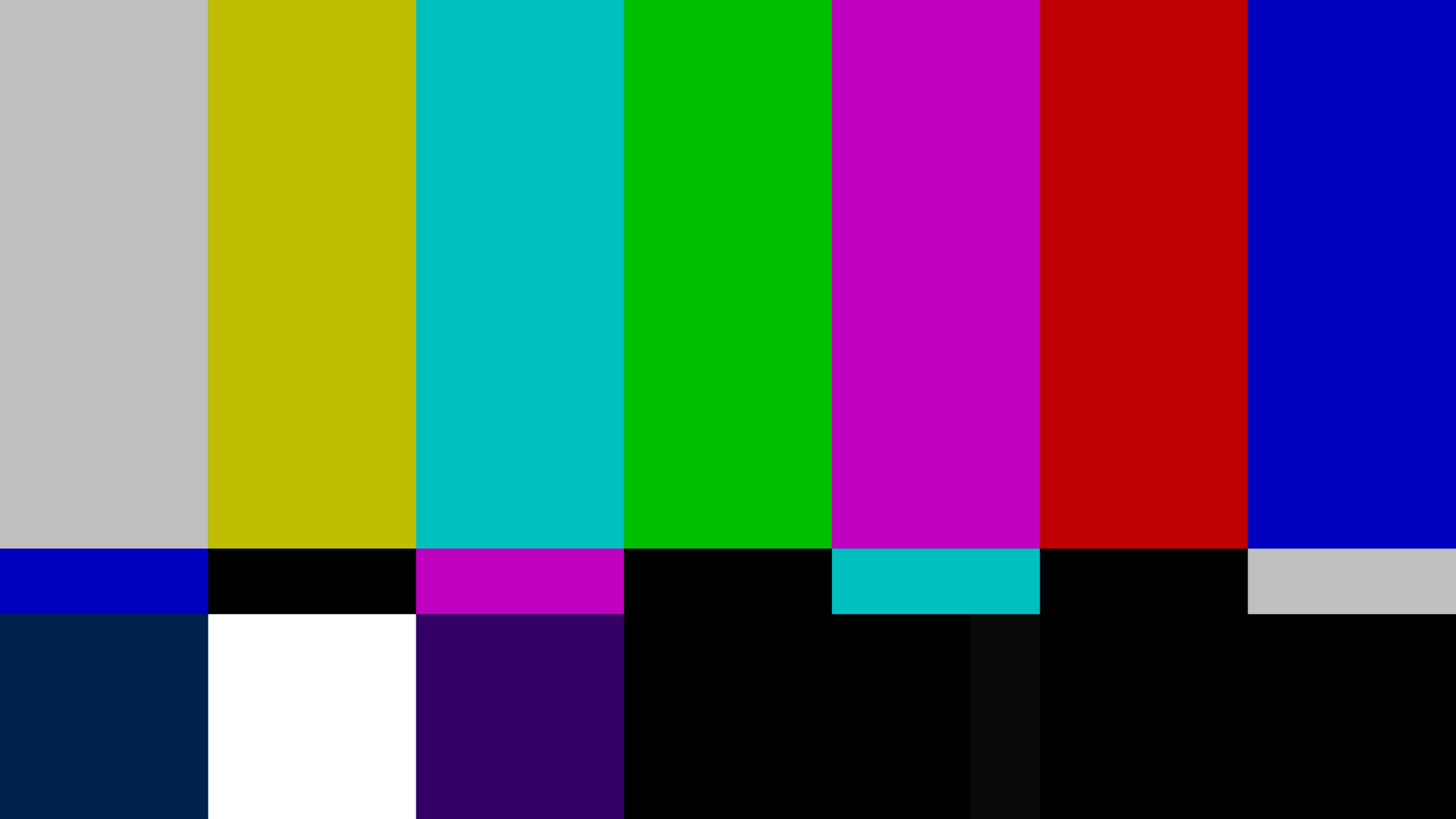
Apple TV · Calibration Pattern
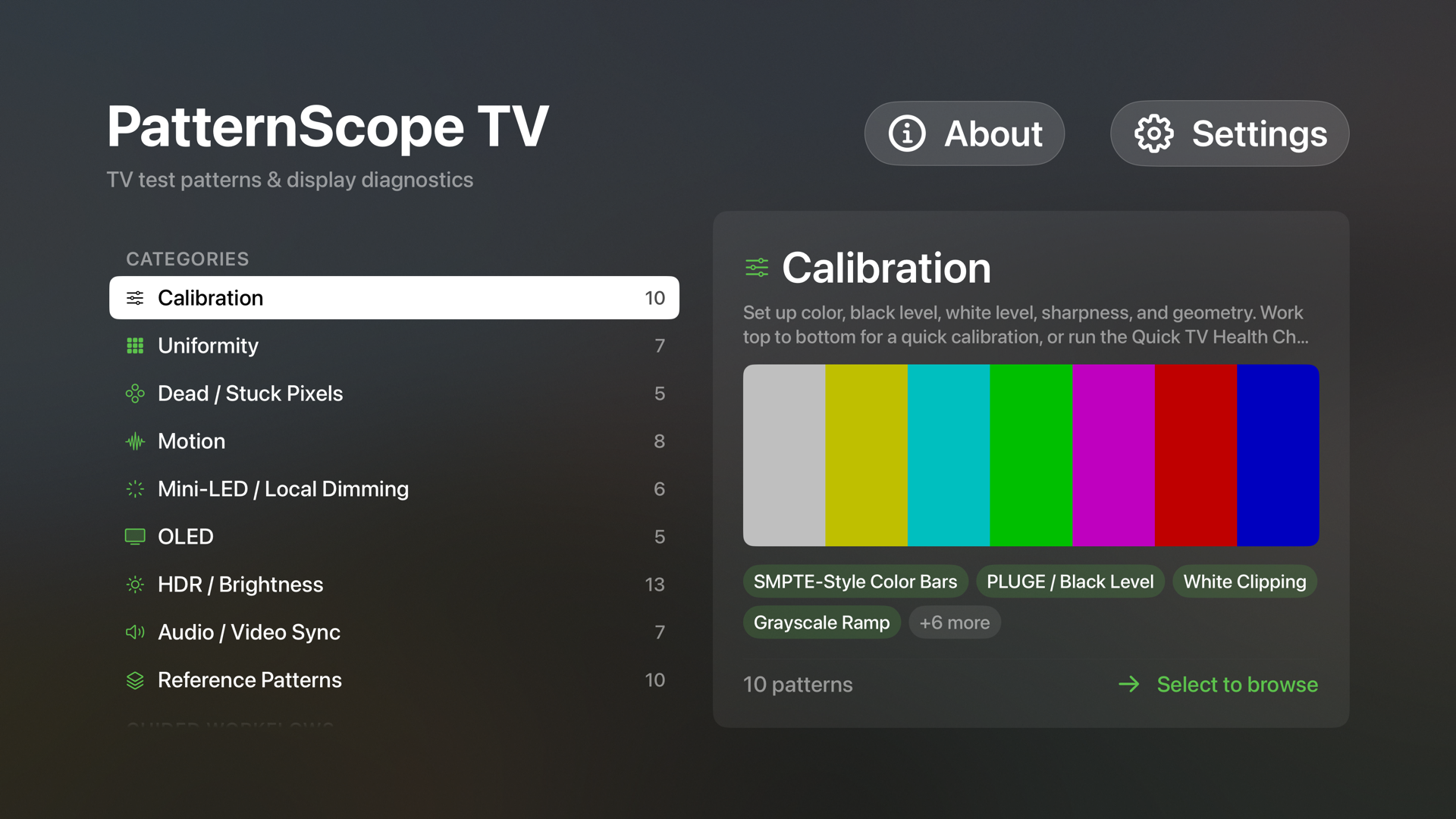
Browse by Category
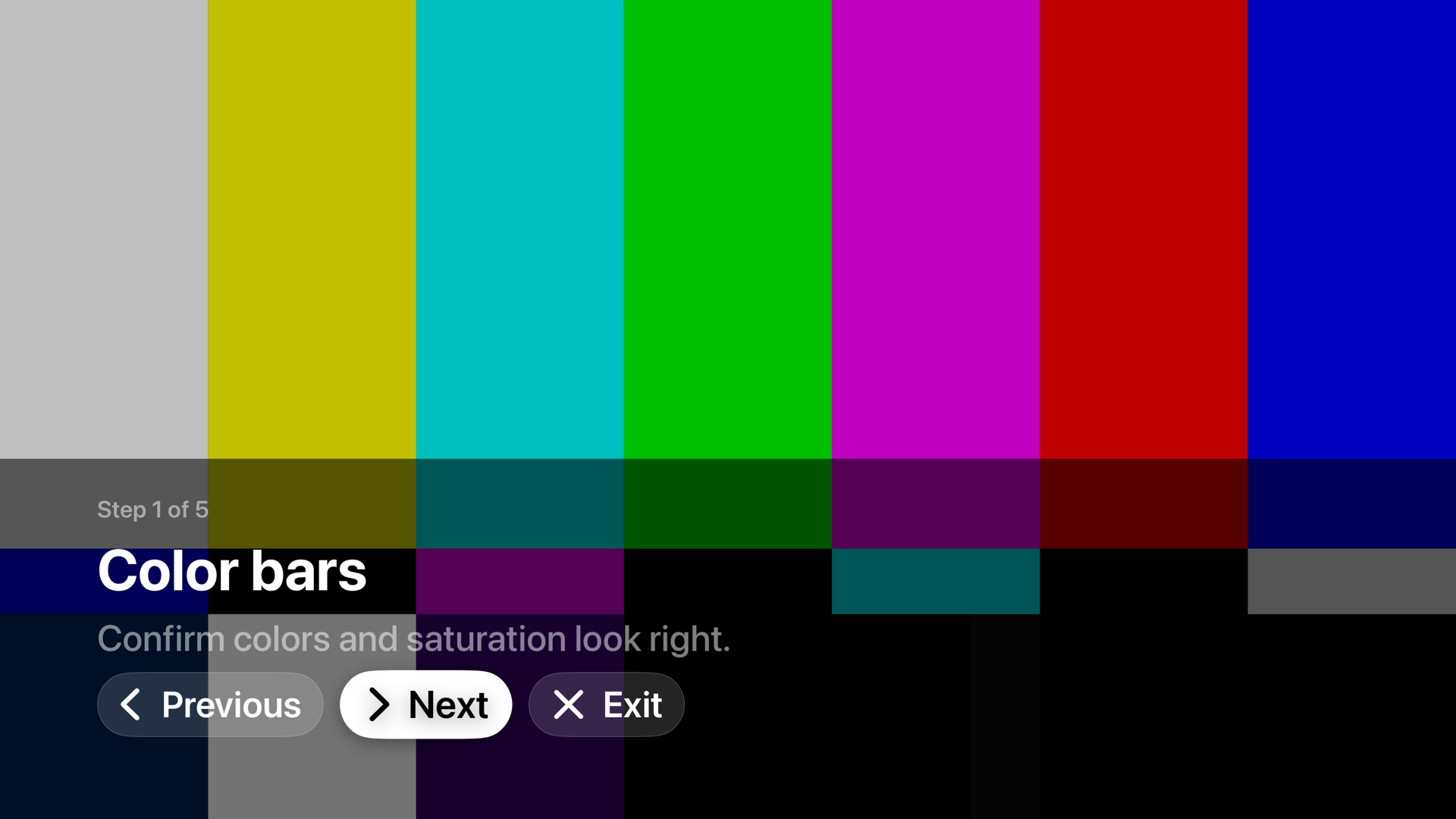
Guided Workflow
A full diagnostic toolkit
Eight categories, every check explained
For Apple TV 4K running tvOS 18 or later. Everything is done with the Siri Remote. Select cycles through the on-screen controls and the "what to look for" notes, Play/Pause freezes motion, and Menu goes back to a safe, neutral screen.An Apple TV 4K is recommended for the HDR and 4K patterns. HDR results depend on your TV and how it's connected.
PatternScope TV finds display problems but can't fix them. It won't repair burn-in, dead pixels or other permanent panel defects. Some patterns hold a bright field on screen for a long time, and one optional Motion test, the Flicker Helper, flashes on purpose.The flashing test runs at a low, capped rate, starts paused, shows a photosensitivity warning, follows the system Reduce Flashing setting, and is left out of the guided workflows. If you or anyone who can see the screen has photosensitive epilepsy, don't use it.
Privacy
Nothing leaves your Apple TV
PatternScope TV doesn't collect, send or share any personal data. There's no account, no sign-in, no network access and no analytics or tracking. Your favorites, recents and settings are stored only on your Apple TV. Its App Store privacy label is "Data Not Collected."