Video Control Panel
Original ATEM TVS Remote Control
Run a Blackmagic ATEM Television Studio switcher from your iPhone or iPad. The app talks to the switcher directly over your local network, so there's no desktop software, proxy or cloud service to set up.
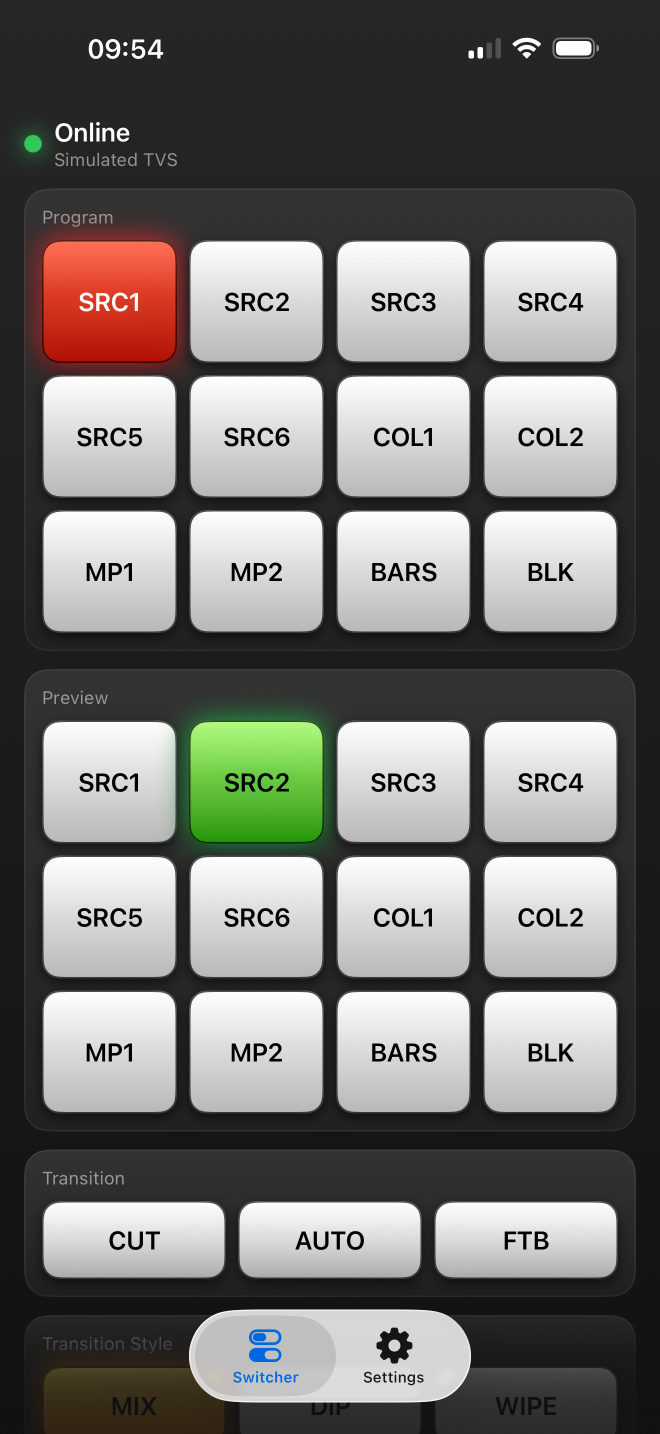
iPhone · Switcher
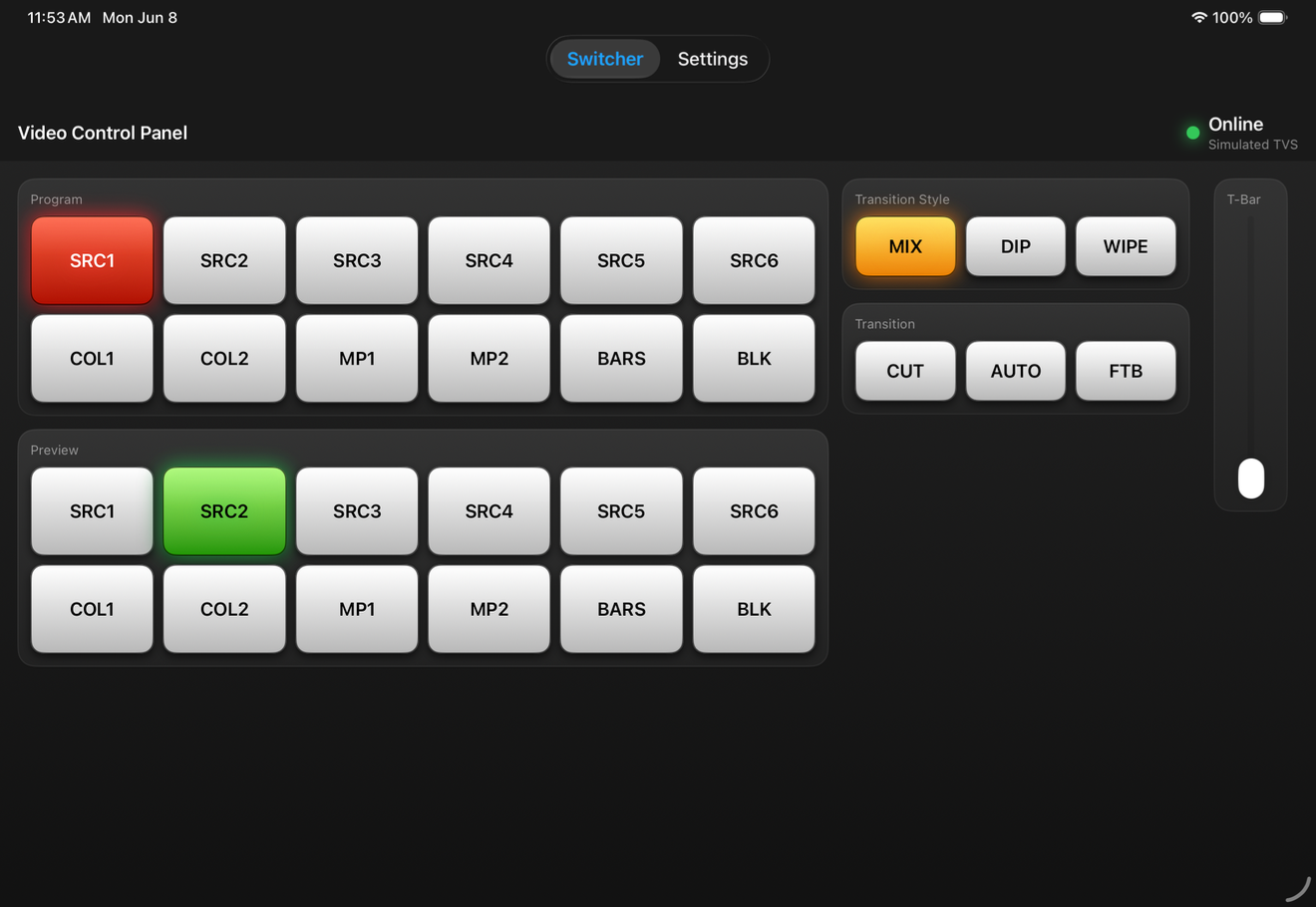
iPad · Full Panel
Everything you need on the floor
Hands-on switcher control
For the original Blackmagic ATEM Television Studio running firmware 6.6.1 or 7.5.2.Not affiliated with or endorsed by Blackmagic Design. ATEM and Television Studio are trademarks of their respective owner.
Privacy
It only talks to your switcher
Video Control Panel doesn't collect, send or share any personal data. The only thing it ever connects to is the ATEM switcher on your local network. If you turn on diagnostic captures, they stay on your device until you choose to share them.