Low Orbit
A guided flight across the Solar System
Low Orbit flies itself on a slow, continuous tour of thirty real worlds, from sunspots on the Sun and the slopes of Mount Everest to Saturn's rings and the heart of Pluto. Every surface comes from spacecraft and satellite imagery and elevation data and is drawn live on your Apple TV, iPhone, iPad or Mac, with short notes on what you're looking at. On Apple Vision Pro, step inside and look around the whole sky in 3D.
Saturn's rings, the Grand Canyon, Io, Mars, Titan and Phobos, rendered by the app
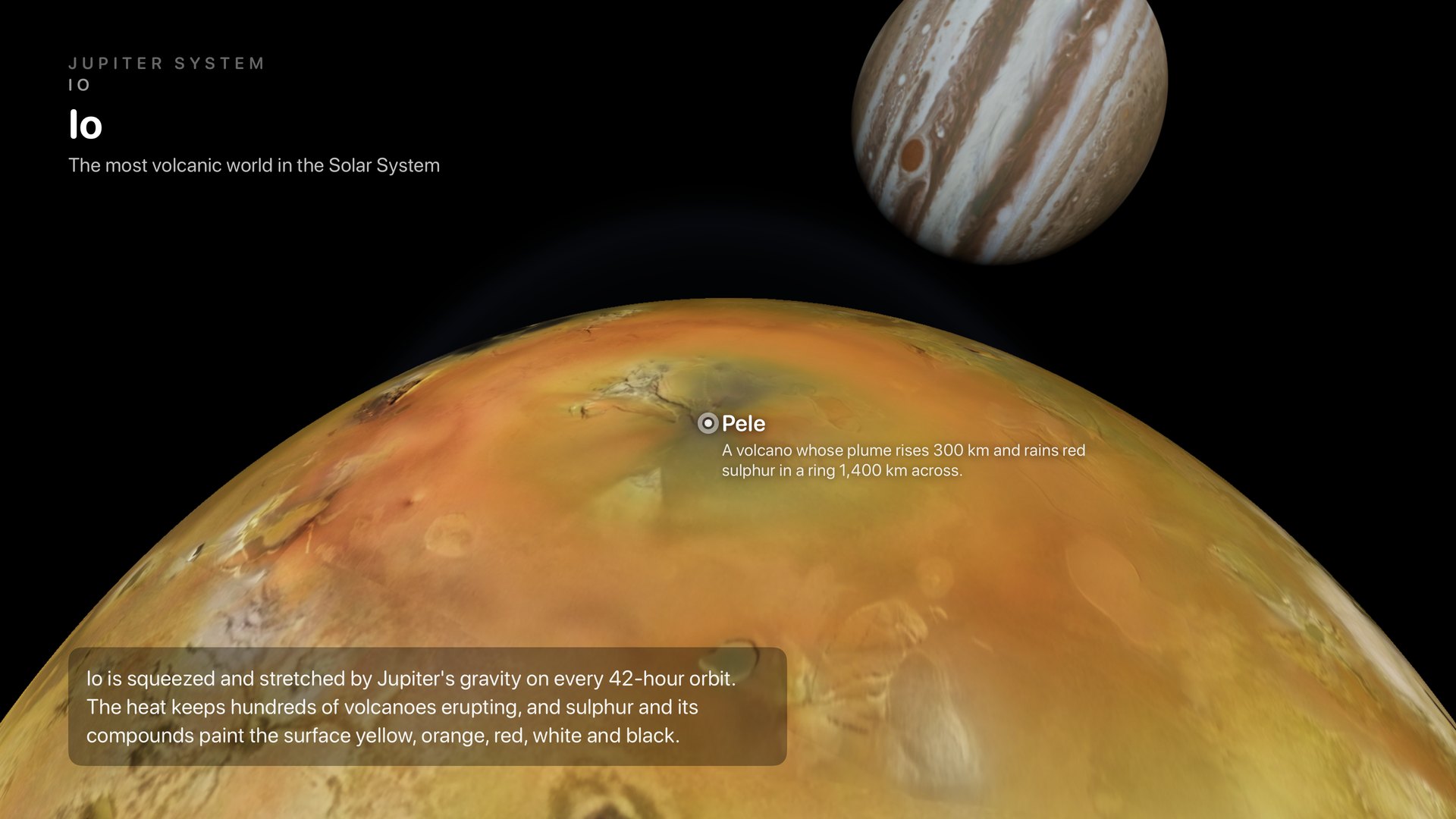
Apple TV · Io, with Jupiter overhead
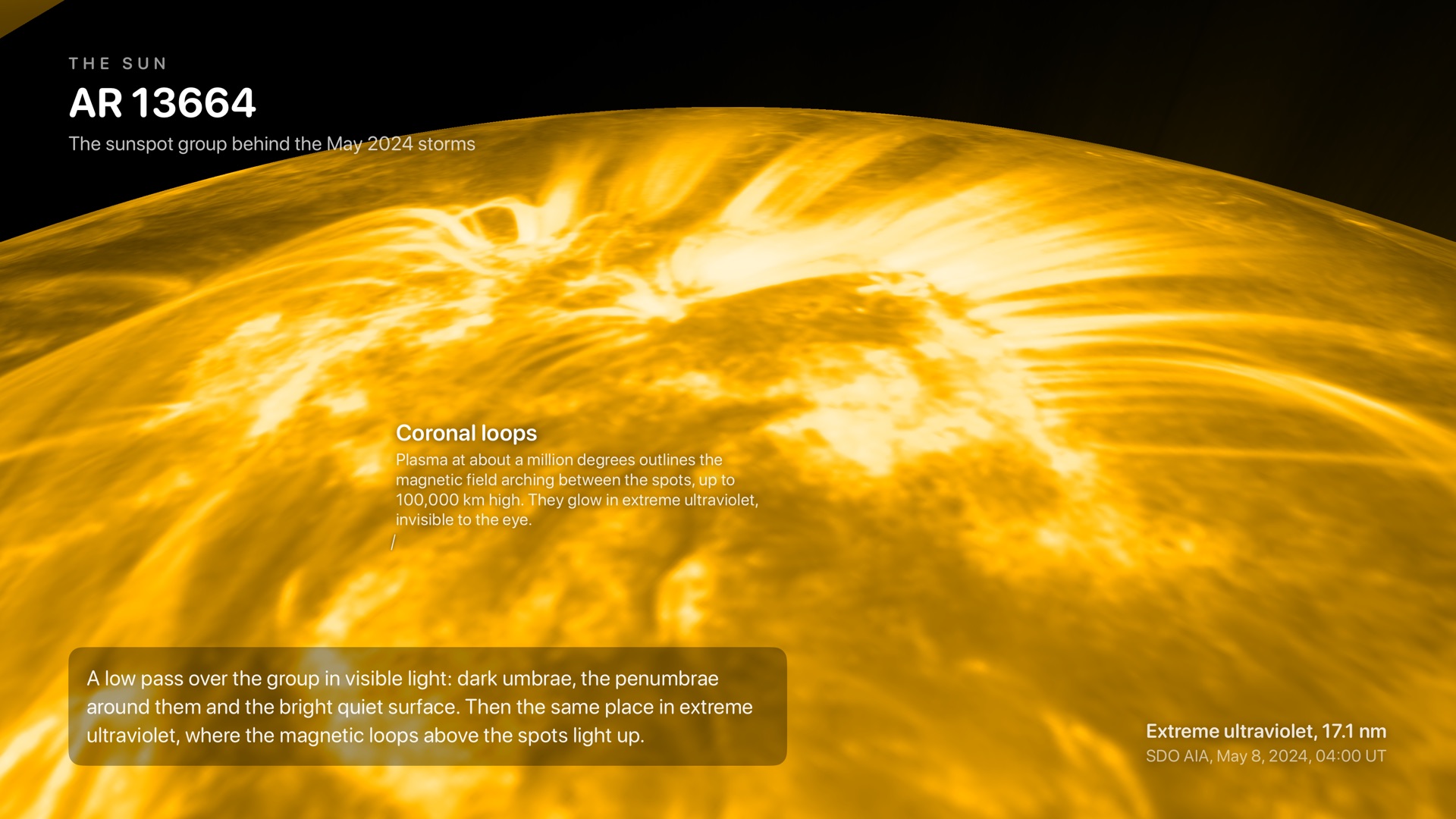
The Sun · The May 2024 storm
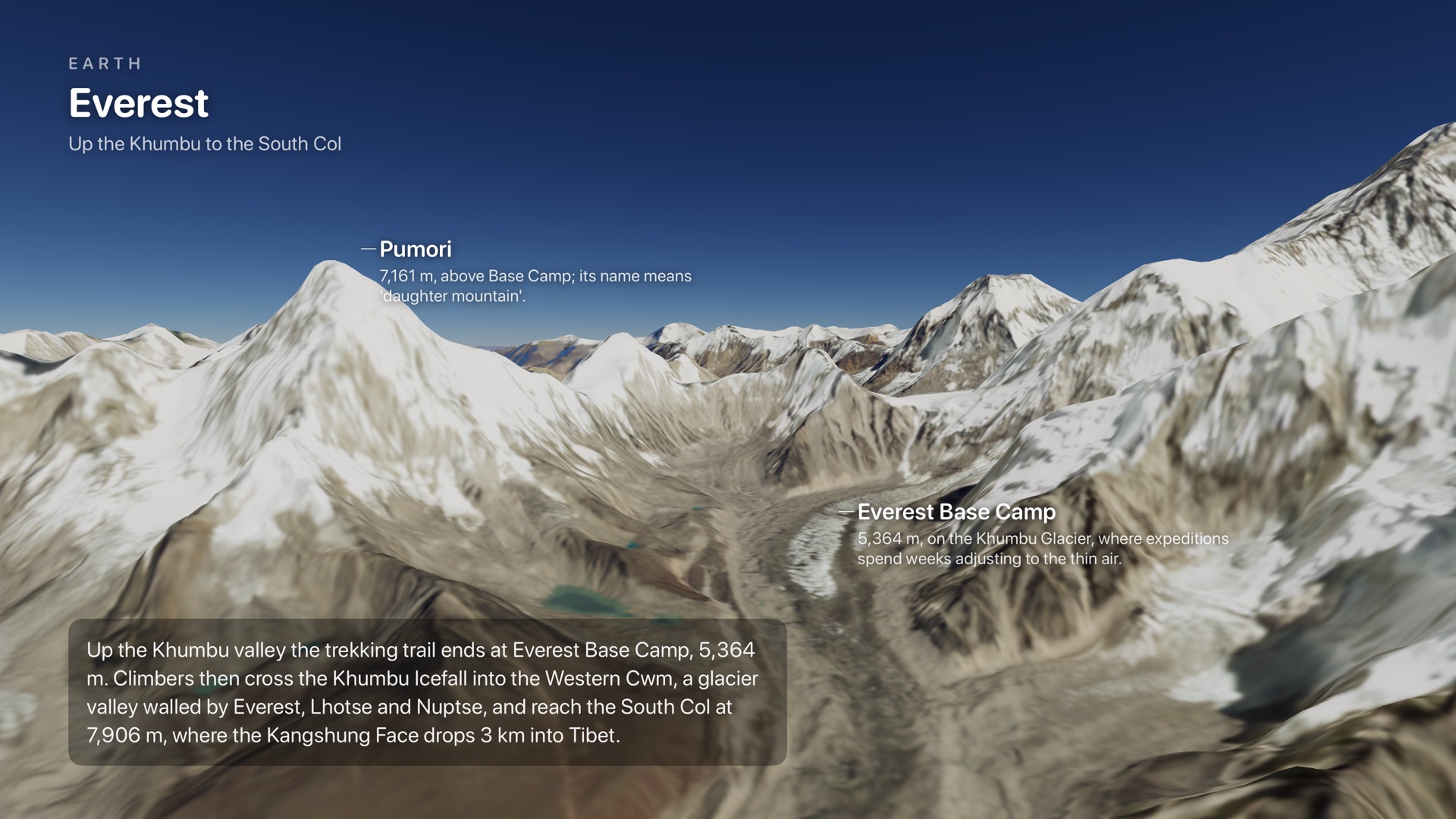
Earth · Up the Khumbu to Everest
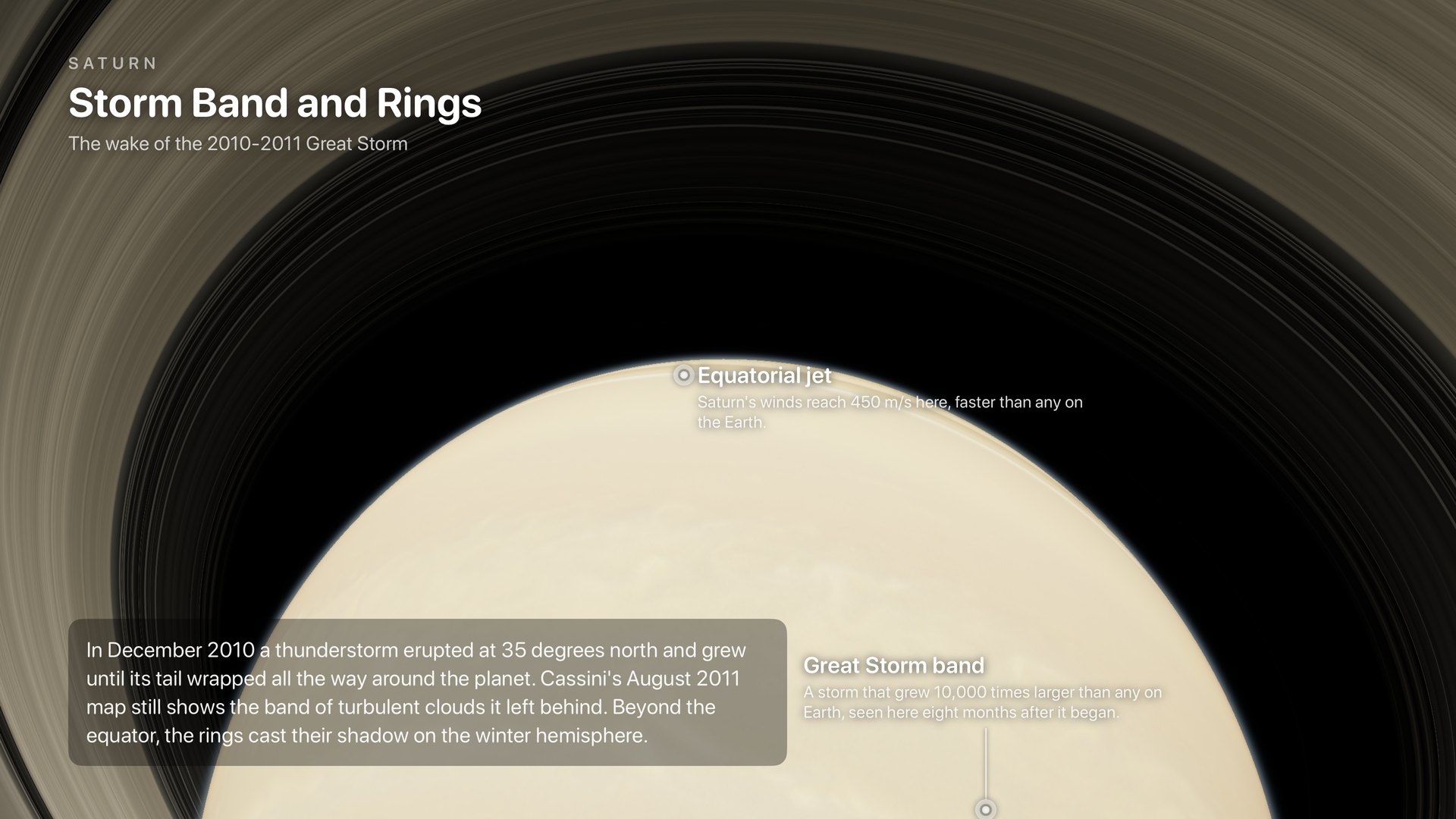
Saturn · Storm band and rings
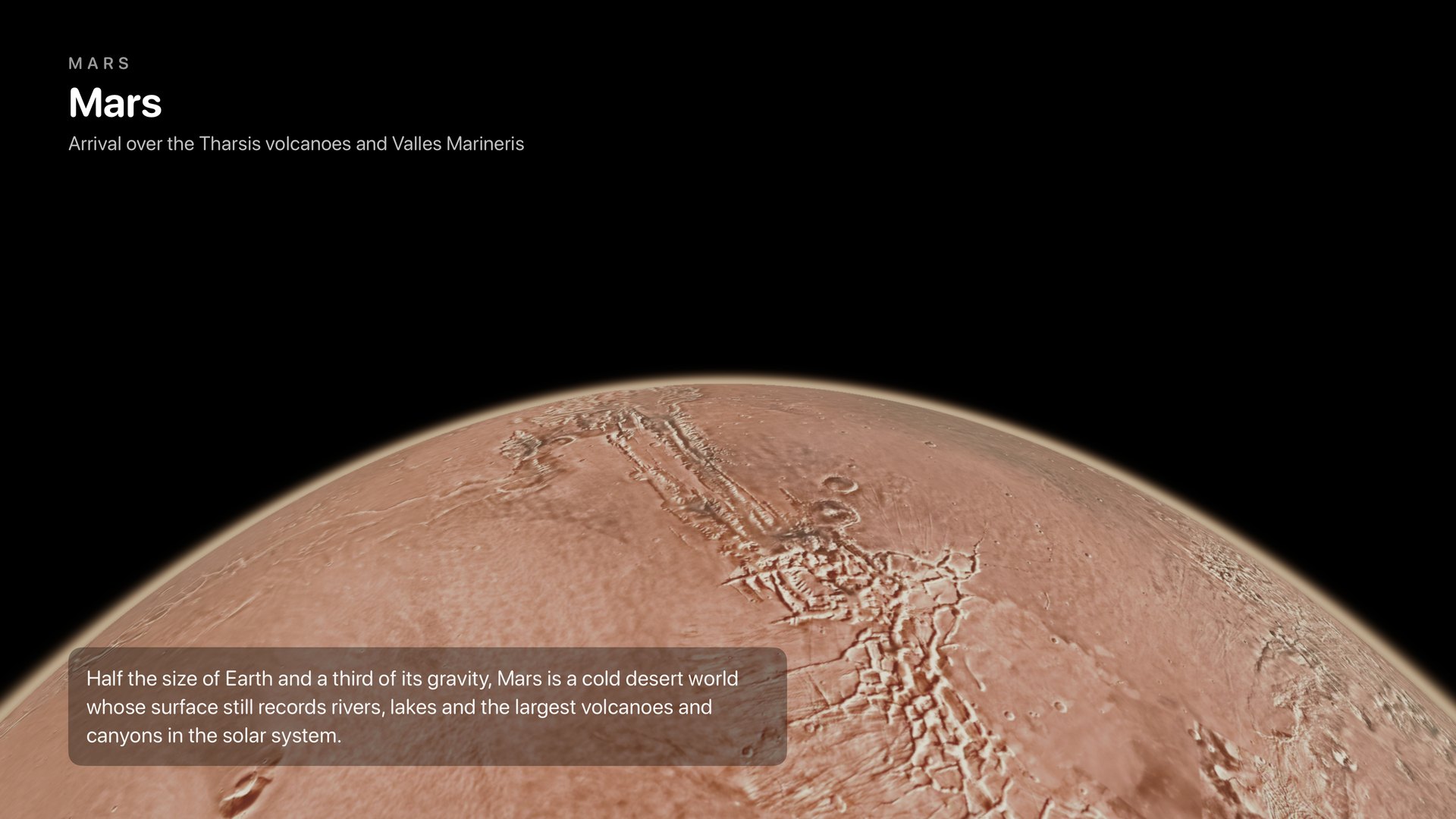
Mars · Arrival over Tharsis
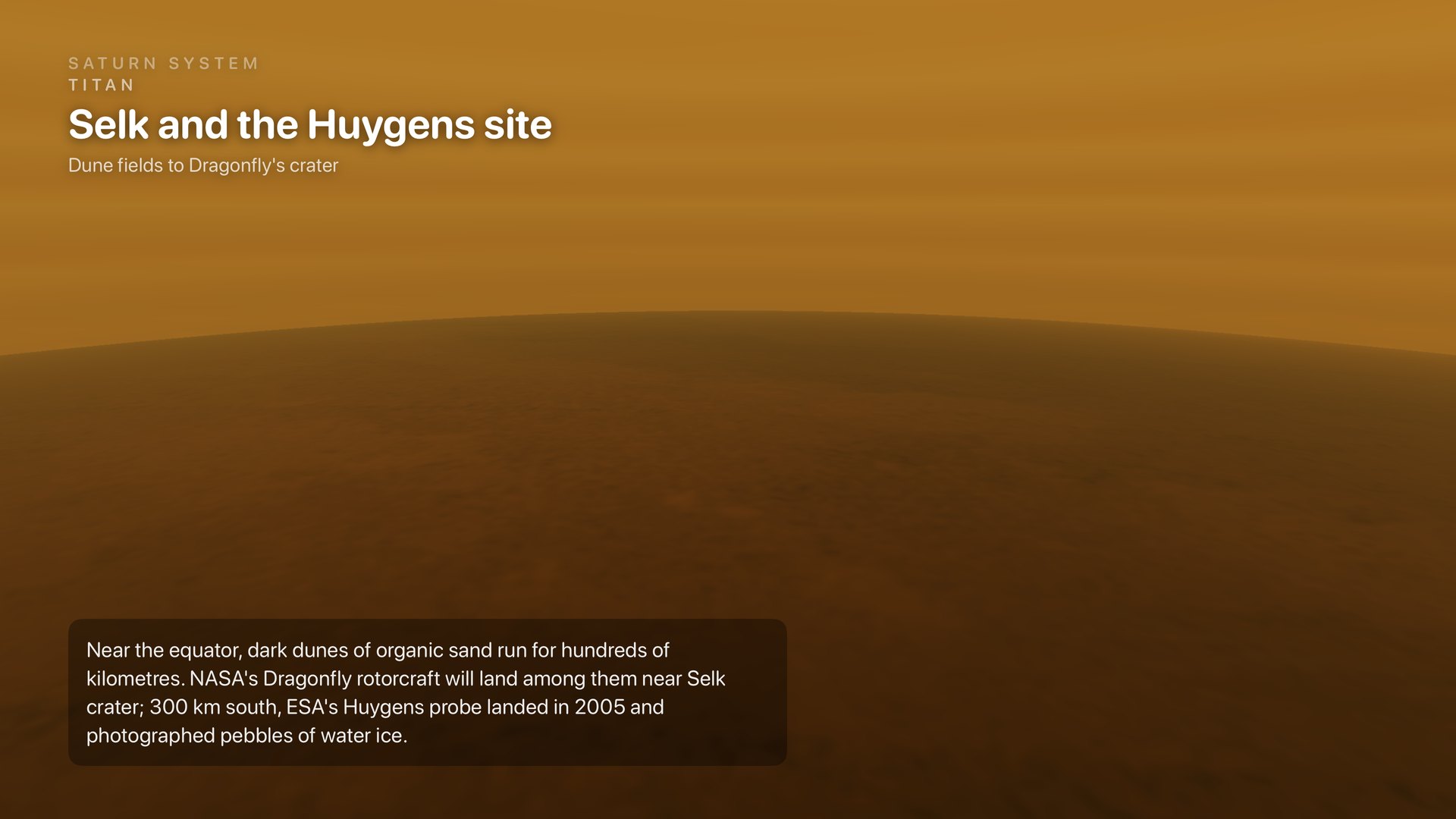
Titan · Selk and the Huygens site
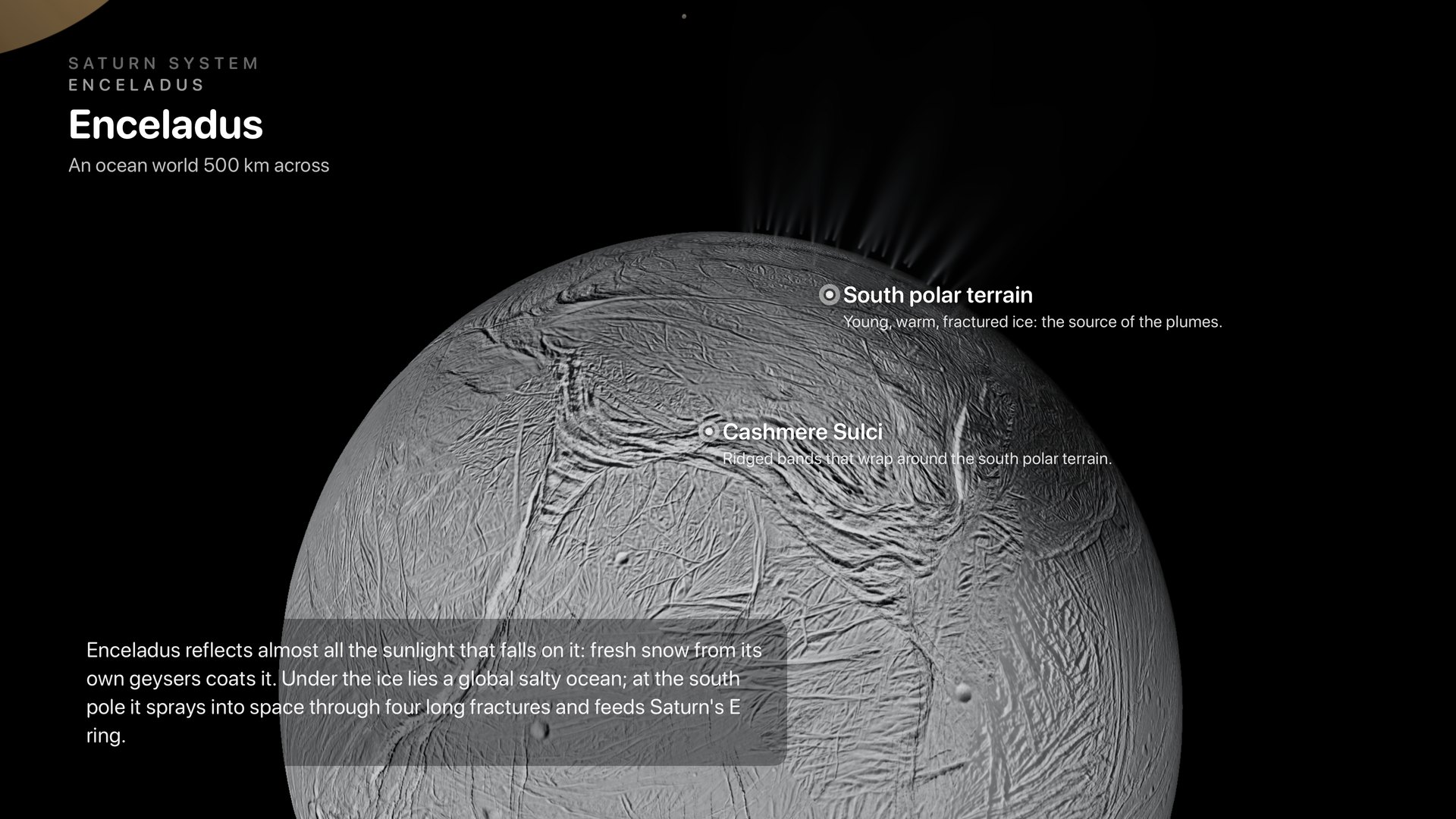
Enceladus · An ocean world
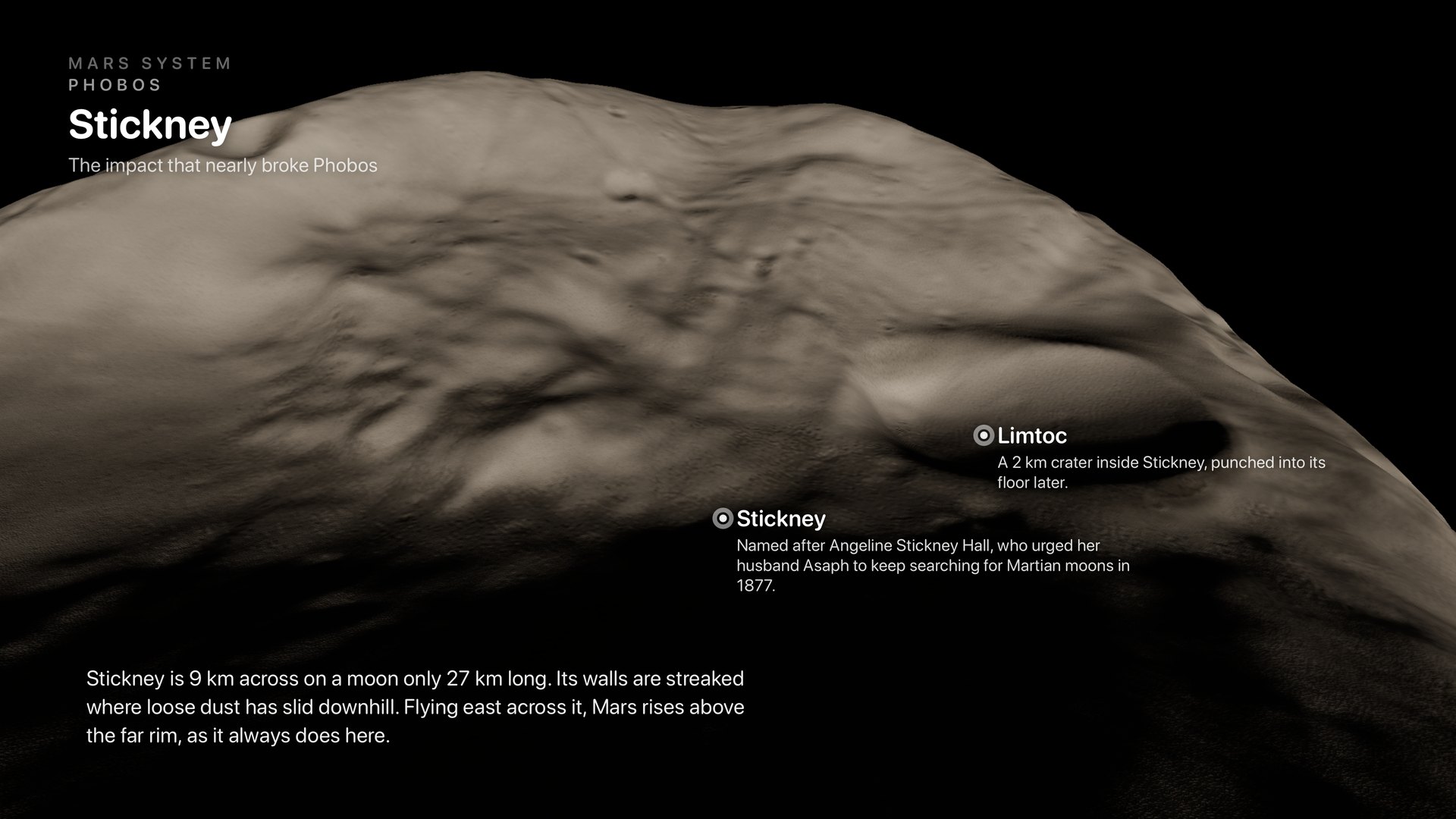
Phobos · Stickney crater
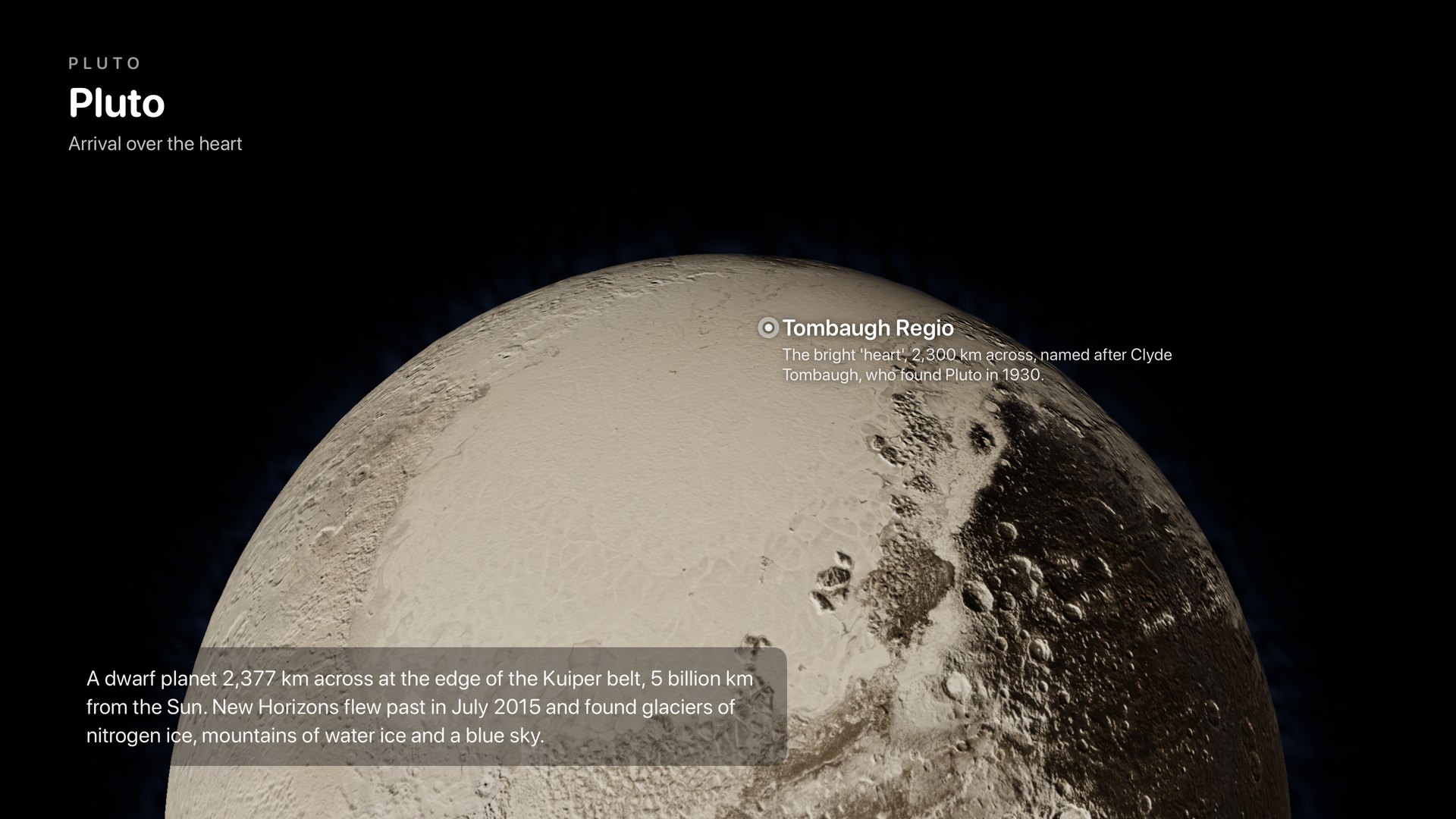
Pluto · Arrival over the heart
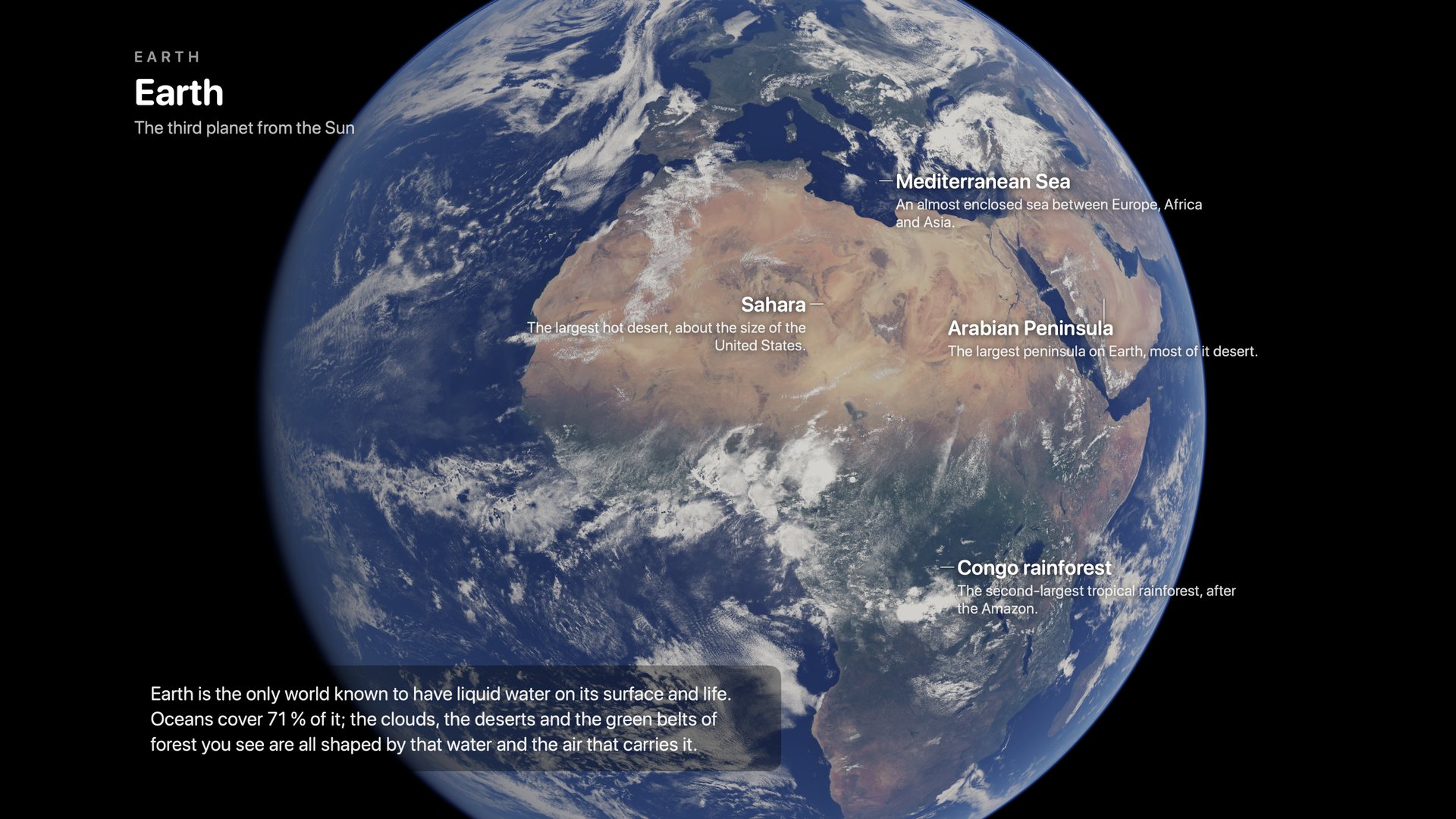
Mac · Earth from space
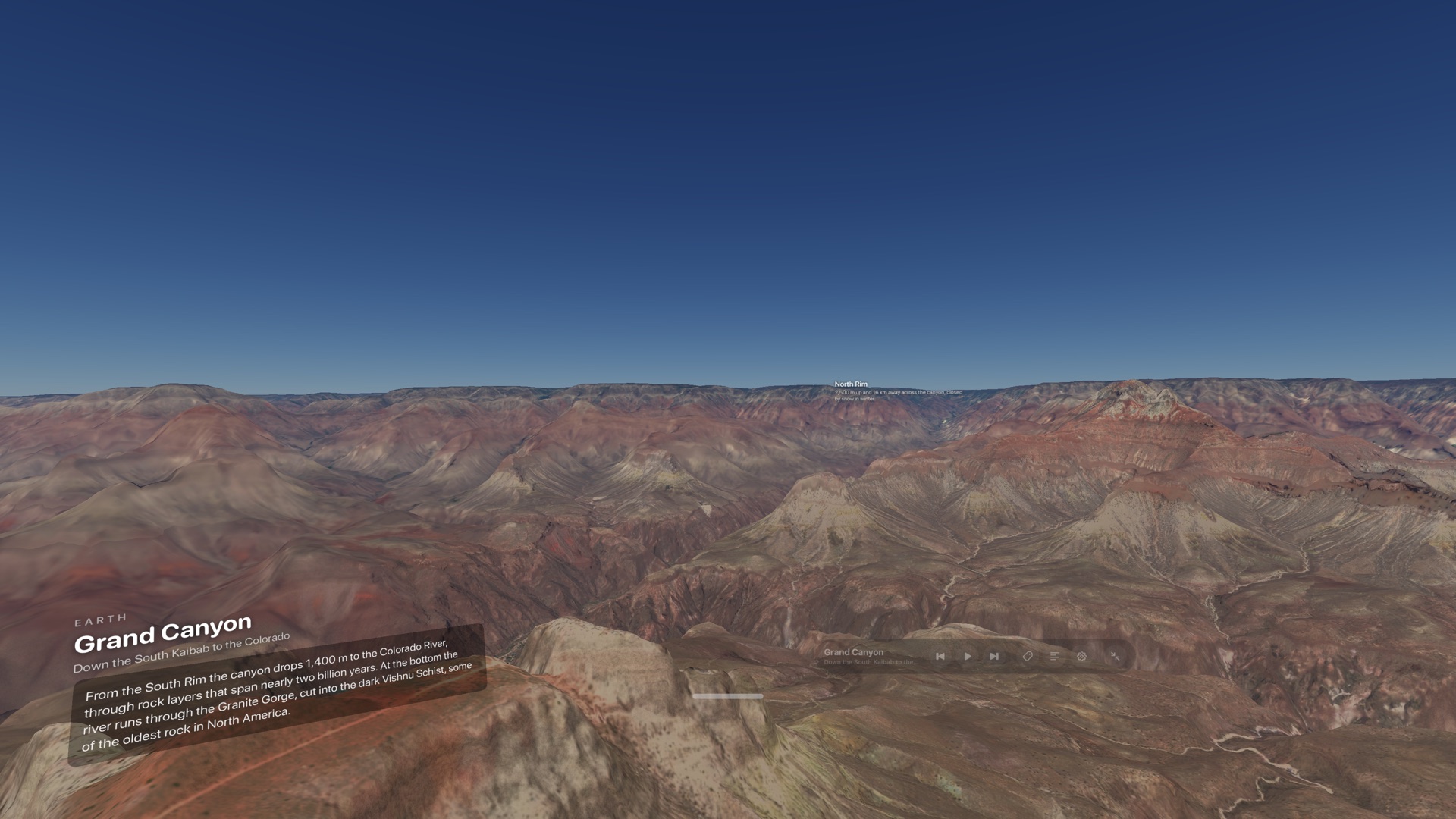
Apple Vision Pro · The Grand Canyon
Real data, flown live
Watch it, or learn from it
For Apple TV with tvOS 18 or later, iPhone and iPad with iOS 15 or later, Mac with Apple silicon and macOS 14 or later, and Apple Vision Pro with visionOS 26 or later. One purchase covers them all. On Apple TV, Play/Pause pauses the tour, left and right go to the previous or next site, up and down turn descriptions and labels on and off, and Menu opens Settings, where you can tour every world or pick just one. On iPhone and iPad, tap to show the controls and swipe to change sites. On the Mac, the arrow keys, Space and Esc do the same in a window or full screen. On Apple Vision Pro, the tour starts in a window; open the immersive view to be surrounded by it, and use the controls below the window.Low Orbit keeps the screensaver and auto-lock from starting while it flies. Your TV's own sleep timer is separate, so raise it in the TV's settings if you want to watch for a long time.
The free Low Orbit screen saver plays the same tour when your Mac is idle, using the worlds inside the Low Orbit app. Download it and read how to install it on the screen saver page.The screen saver needs Low Orbit for Mac installed in your Applications folder. It is signed and notarized by Apple and distributed from this website, not the Mac App Store.
All imagery and elevation data are public-domain or openly licensed products of NASA, ESA, JAXA, NOAA, USGS and their partner institutions; full credits are listed in the app under Settings › Credits & data sources.Low Orbit is an independent app and is not affiliated with or endorsed by NASA, ESA, JAXA, NOAA, USGS or any other space or science agency.
Privacy
Nothing leaves your device
Low Orbit collects no data of any kind. There's no account, no sign-in, no network access and no analytics or tracking. Your settings are stored only on your device. Read the full privacy policy.