Home Automation Dashboard
Your smart home, on the big screen
Home Automation Dashboard turns your Home Assistant server into a control panel for the TV. Switch lights and fans, set the heat, pause the movie, check the front door camera and lock up, all from the couch with the Siri Remote. The layout comes from Home Assistant, so you arrange it where you already arrange everything else, and a built-in demo home lets you try it first.
App Store Get support →
Apple TV · The demo home, driven with the Siri Remote
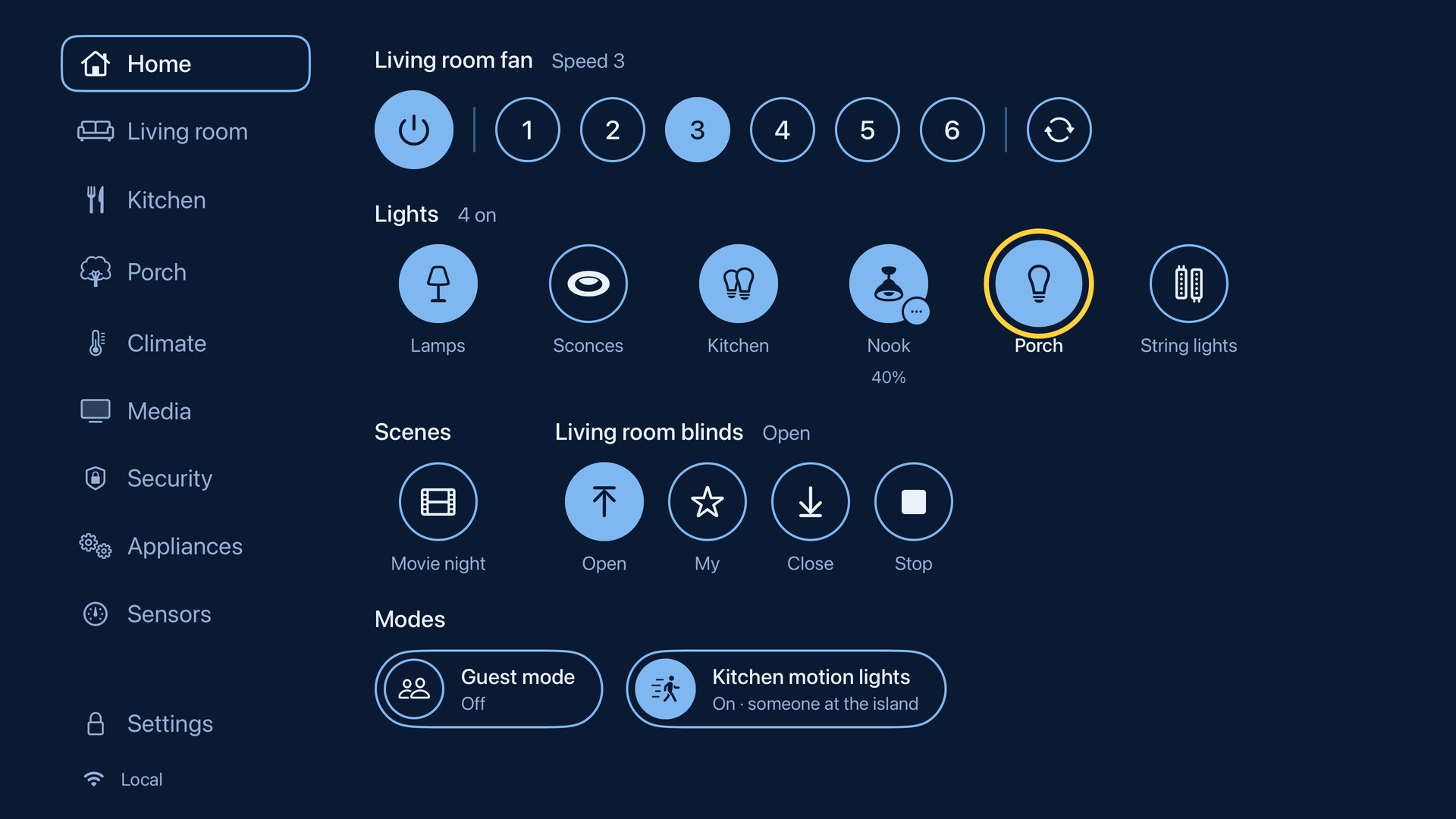
Home · Fans, lights, scenes and blinds
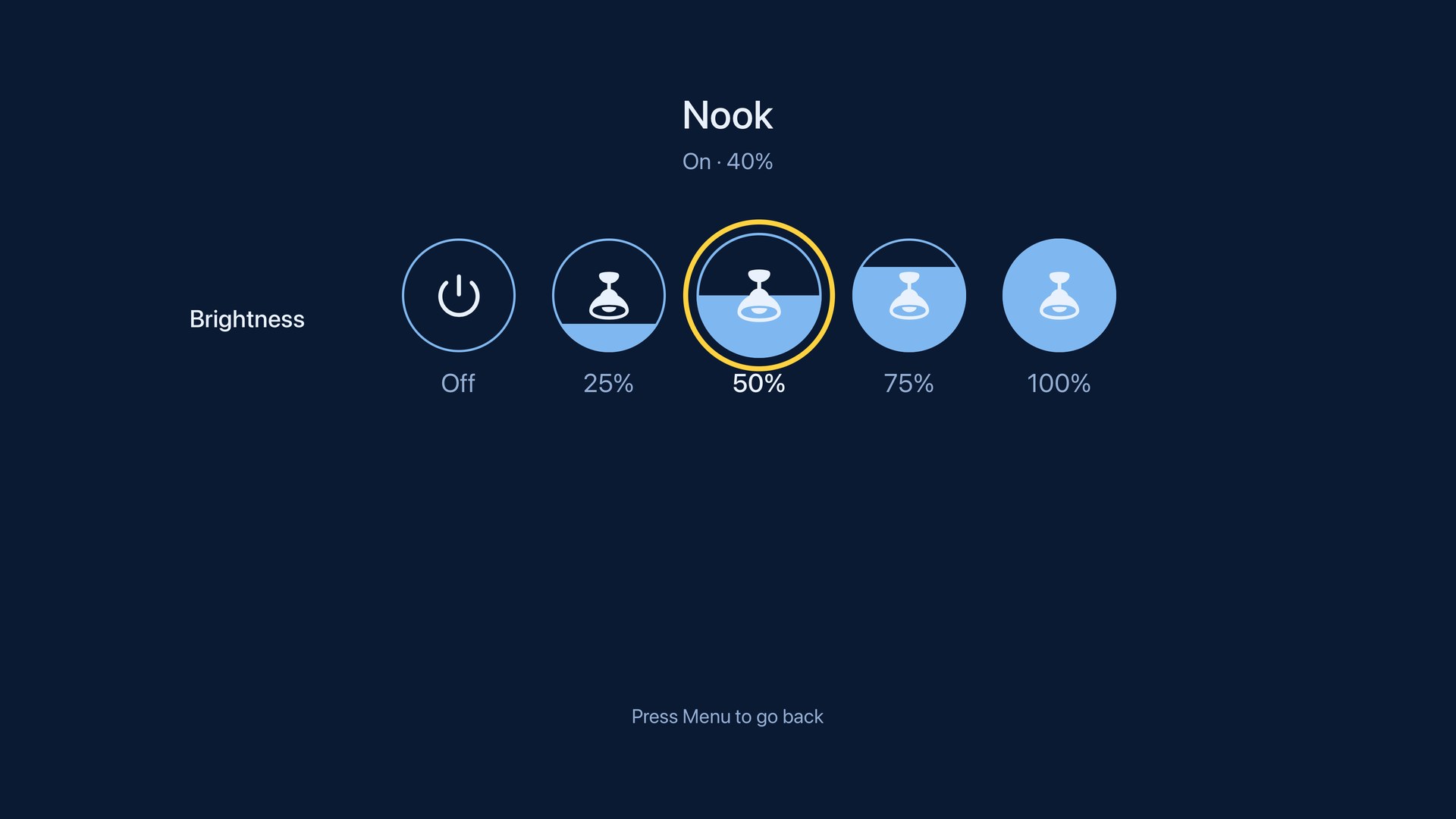
Hold a light for its brightness
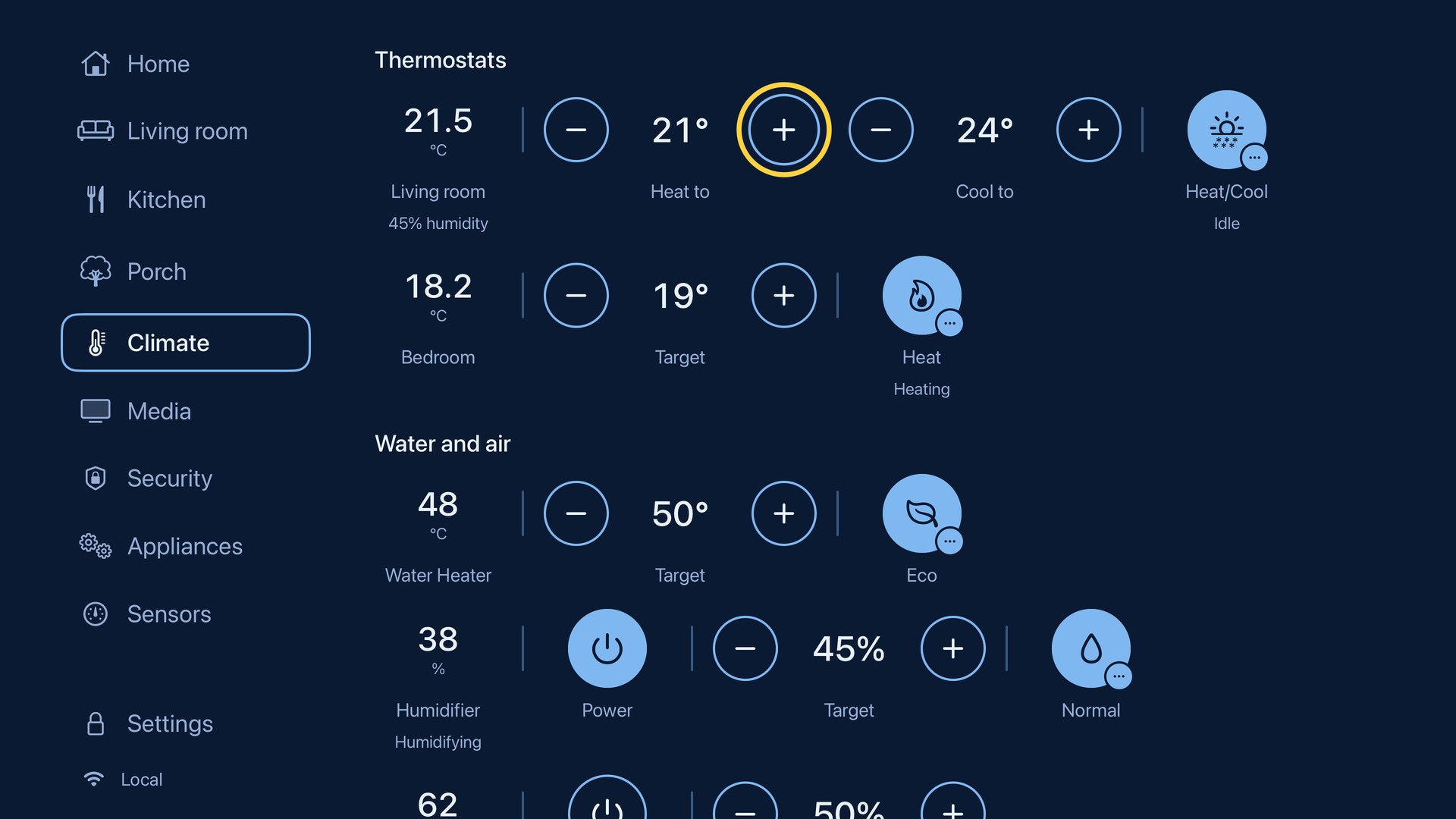
Climate · Thermostats, heaters and humidifiers
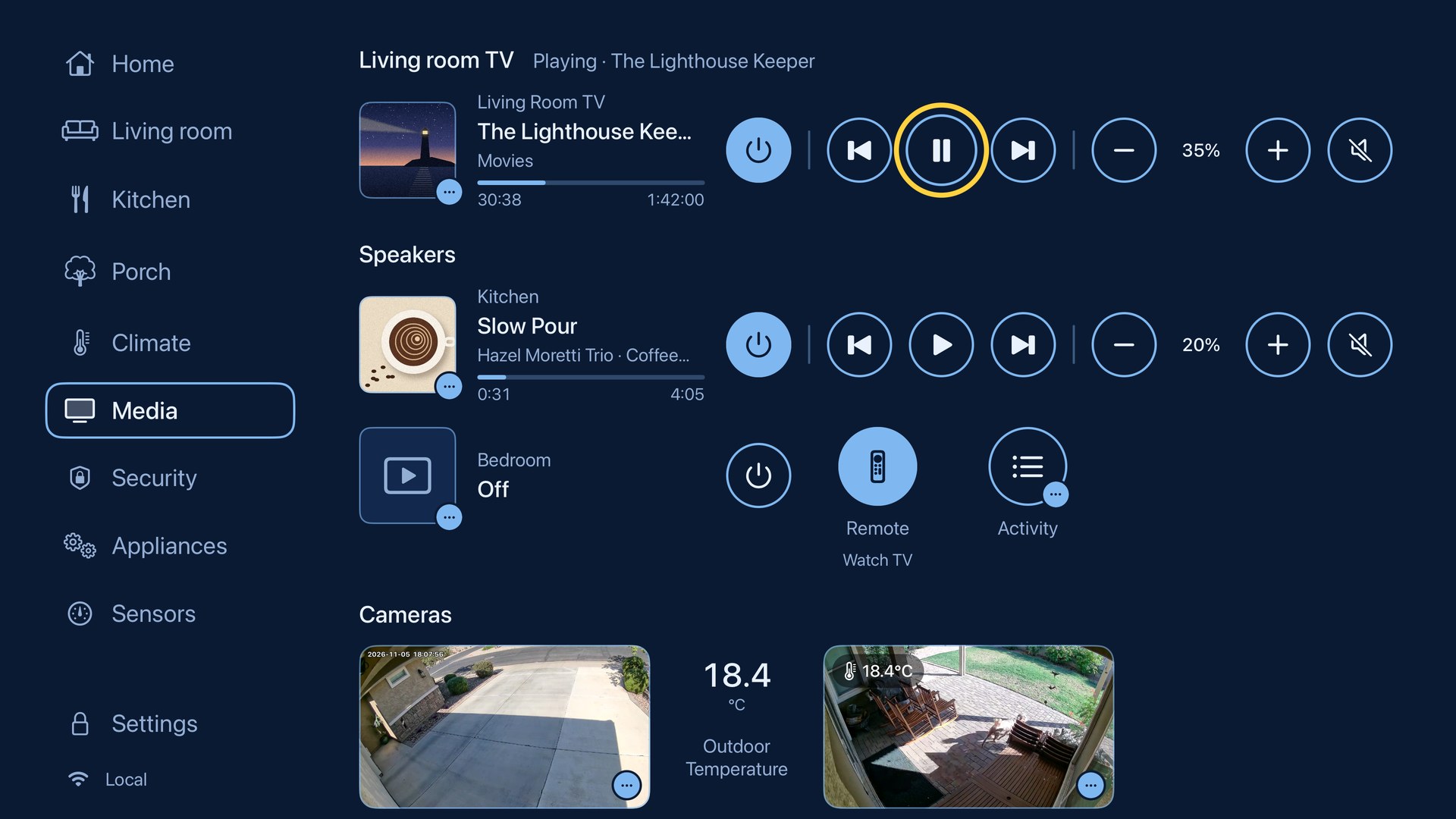
Media · Now playing, speakers and cameras
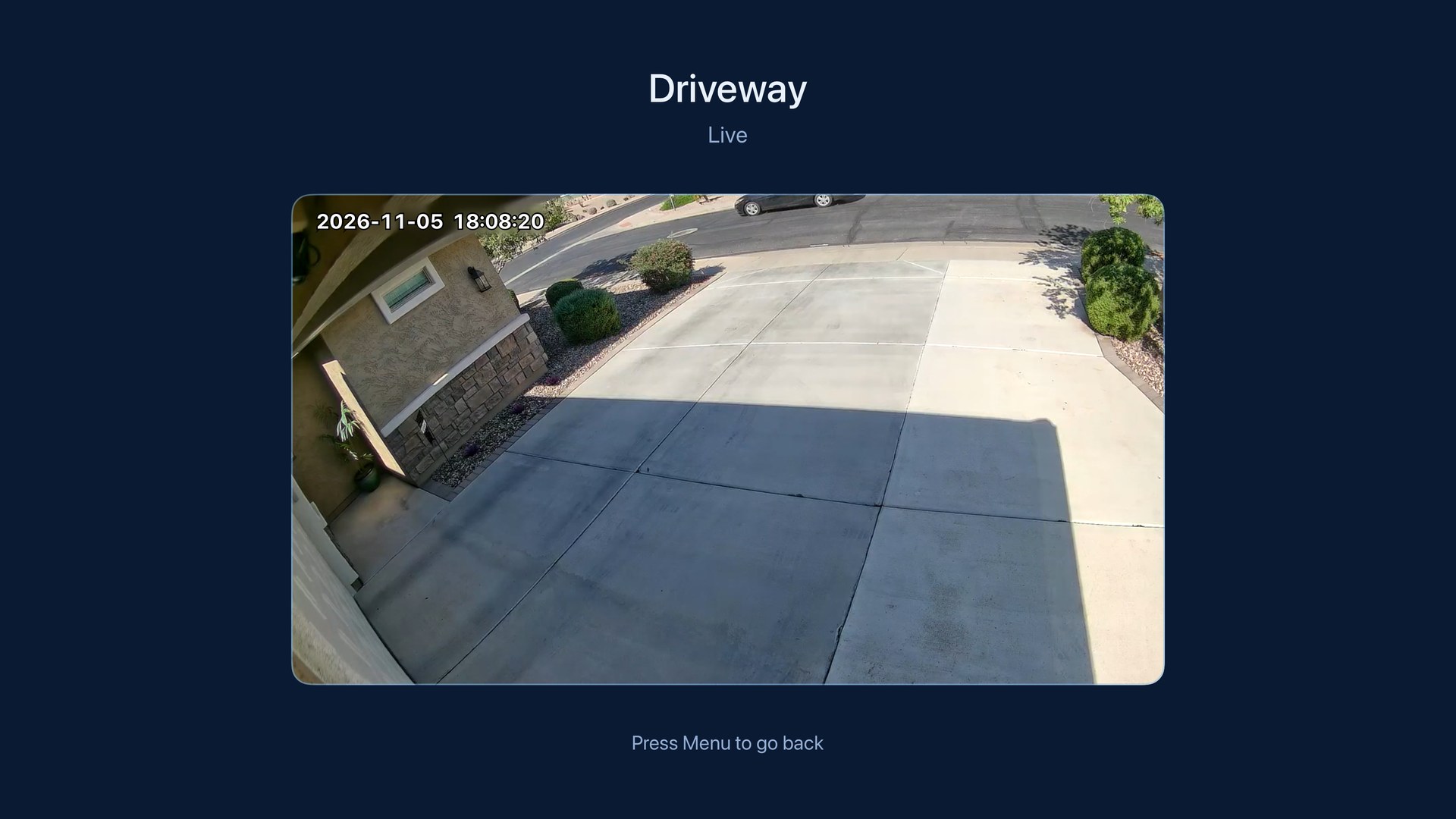
Click a camera to watch it live
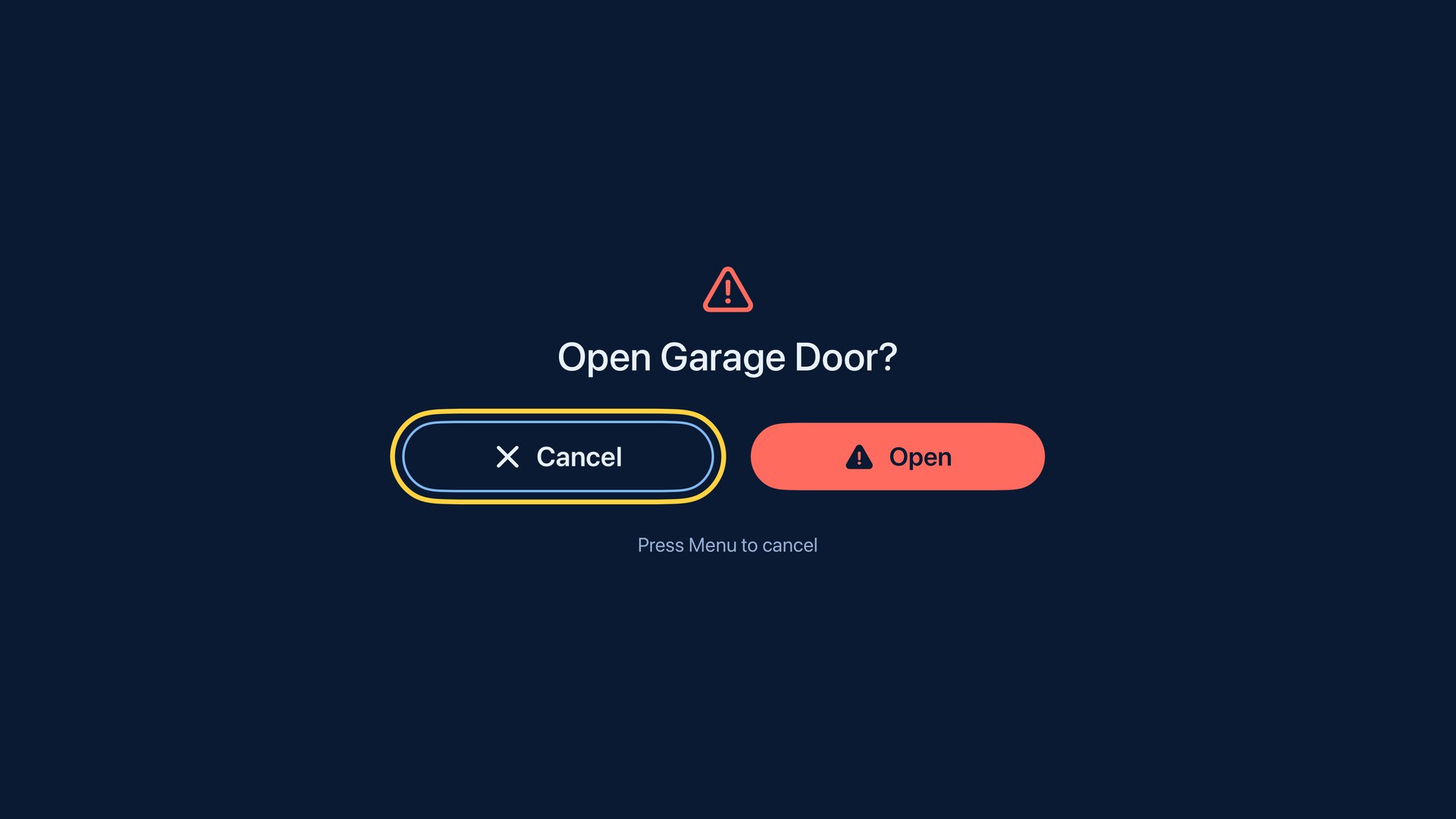
Doors, locks and alarms ask first
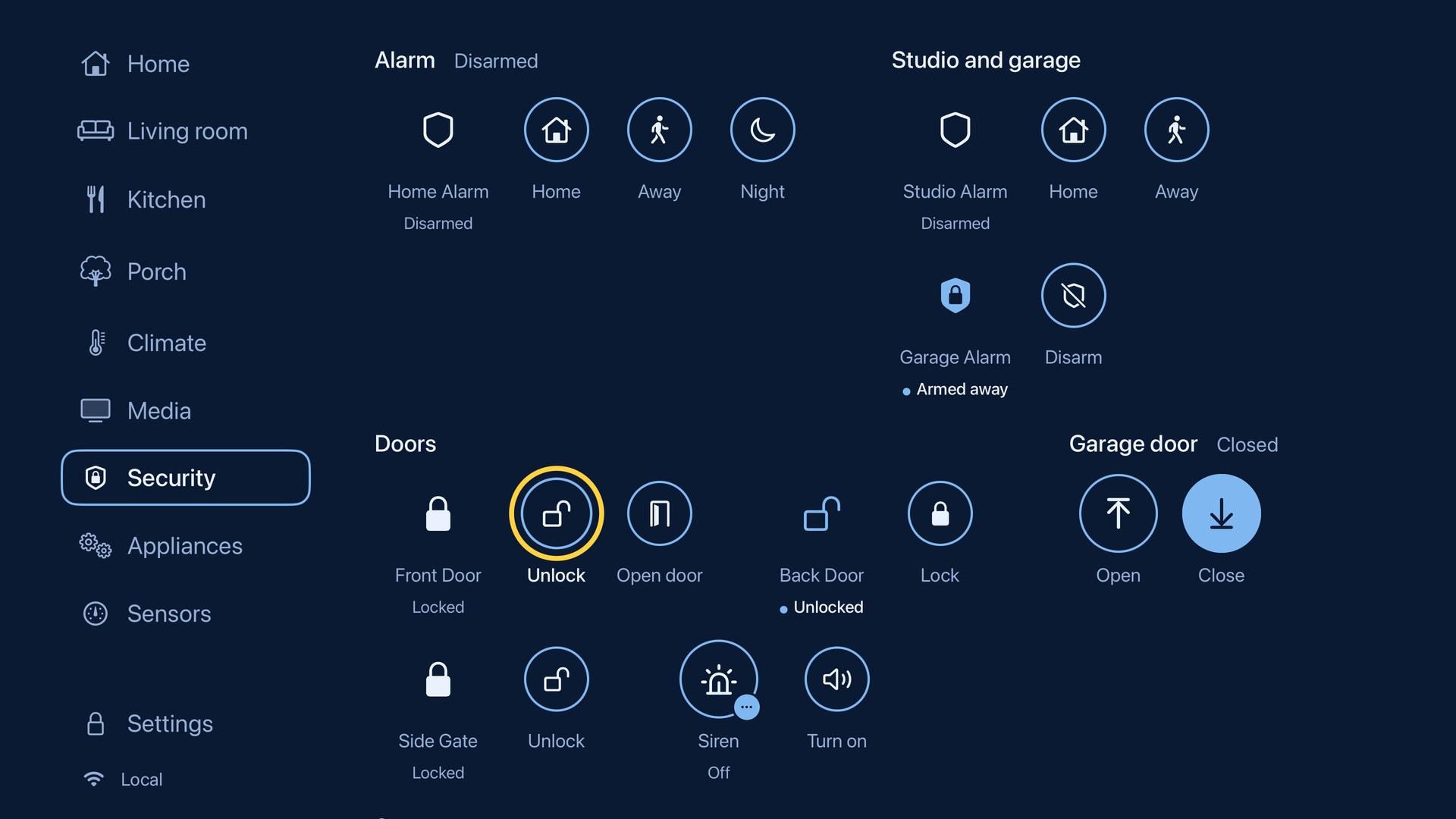
Security · Alarms, locks and the garage
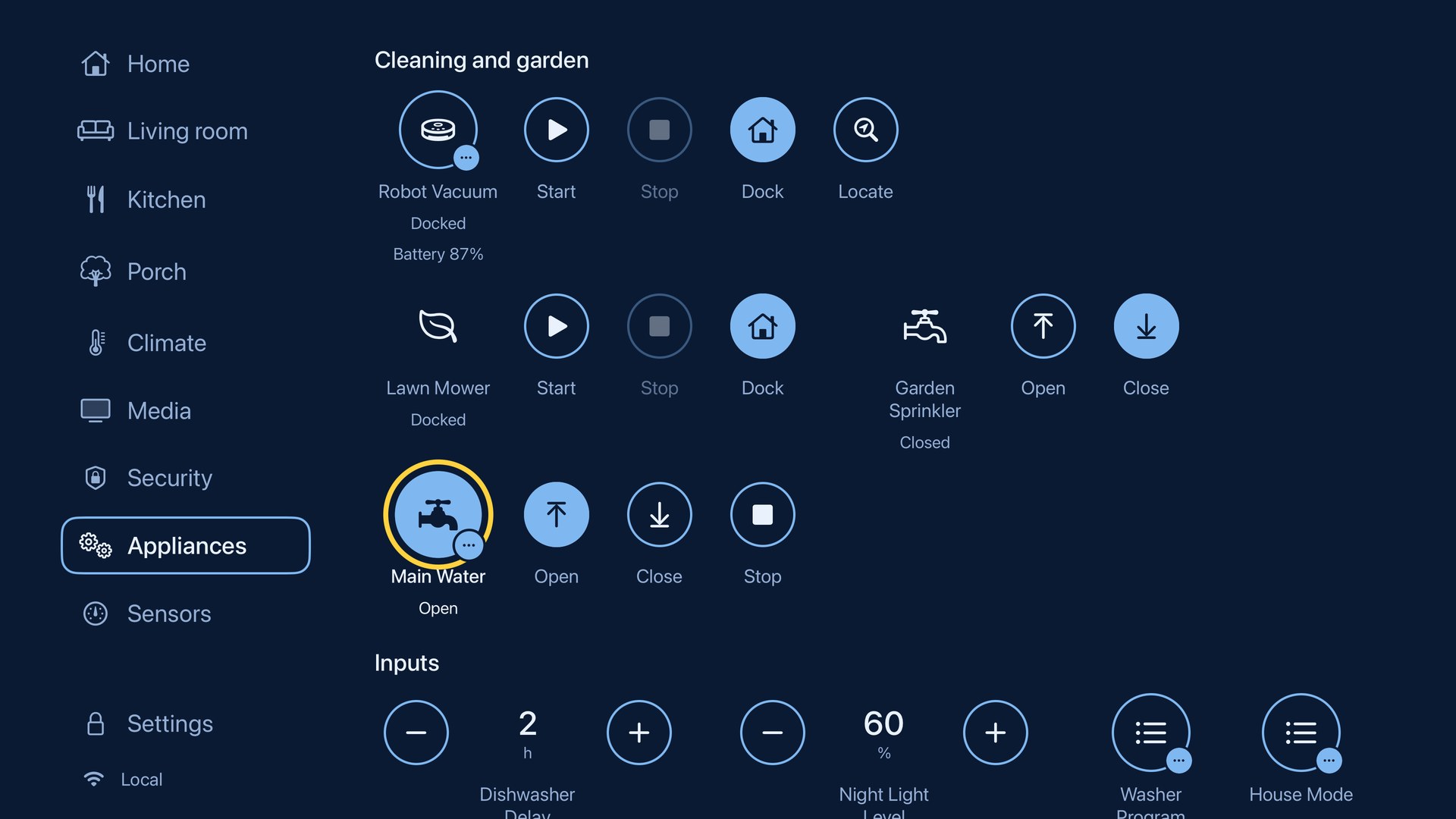
Appliances · Vacuums, mowers and valves
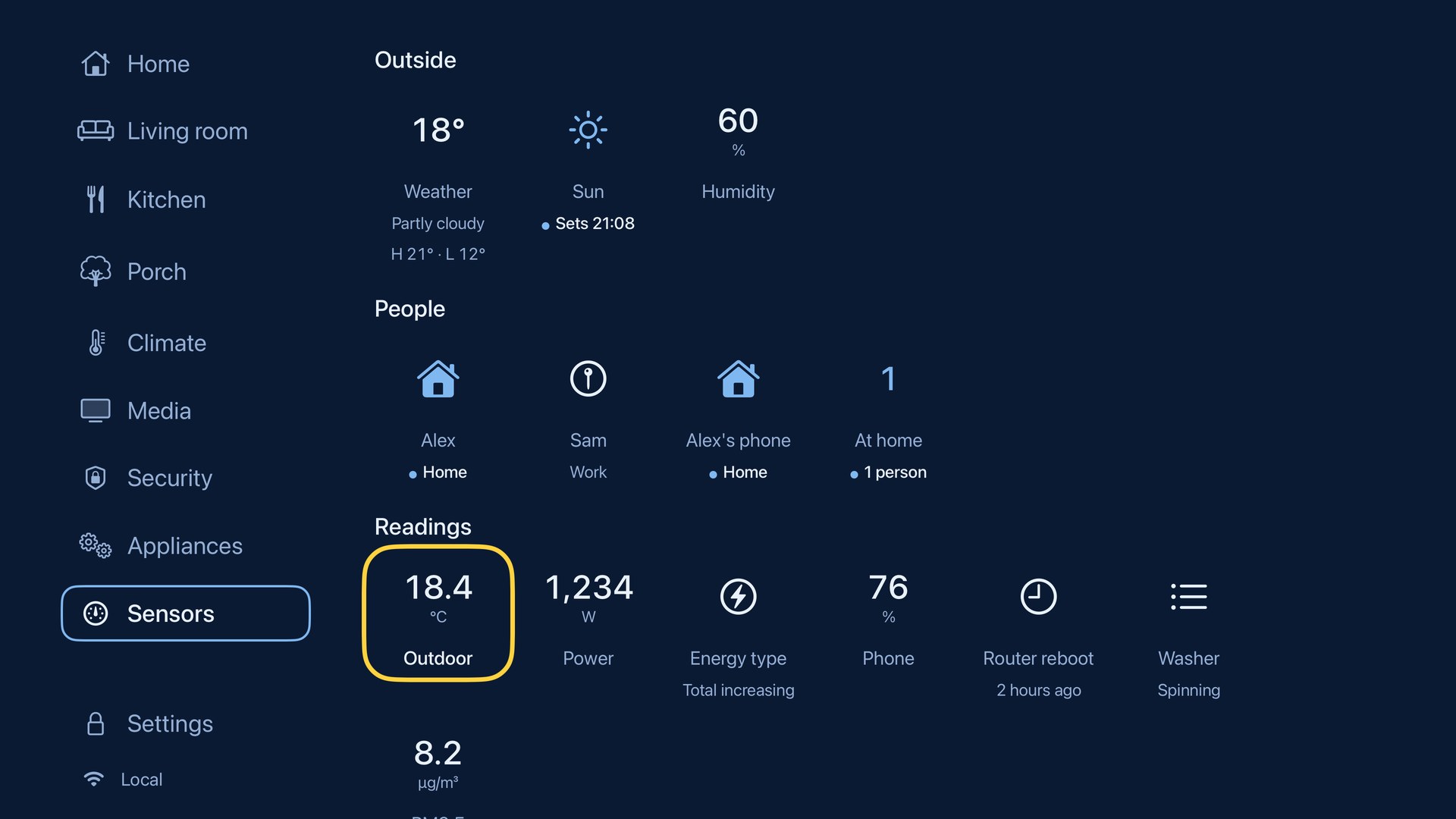
Sensors · Readings, weather and people
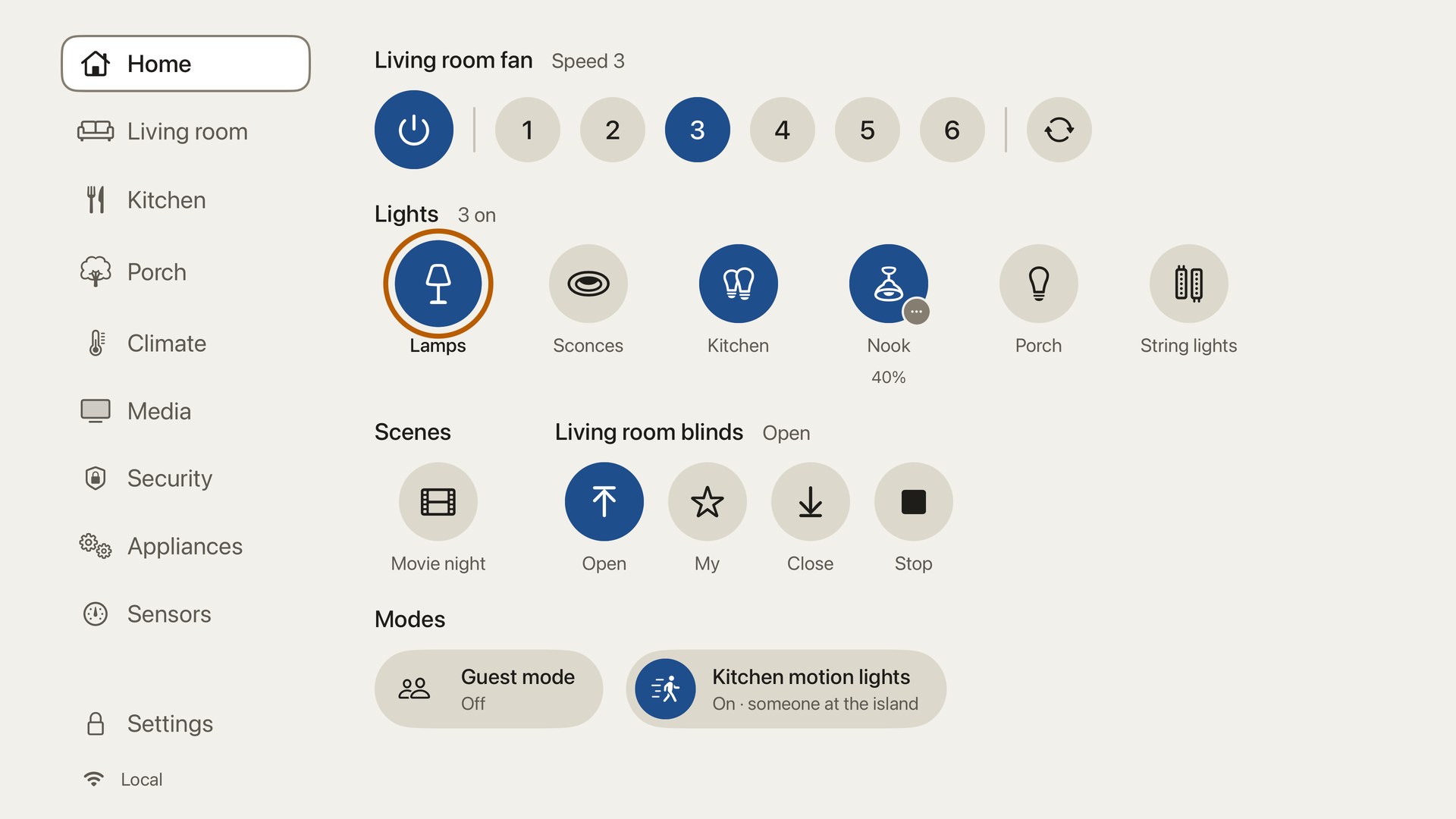
Discs style · Daylight colors
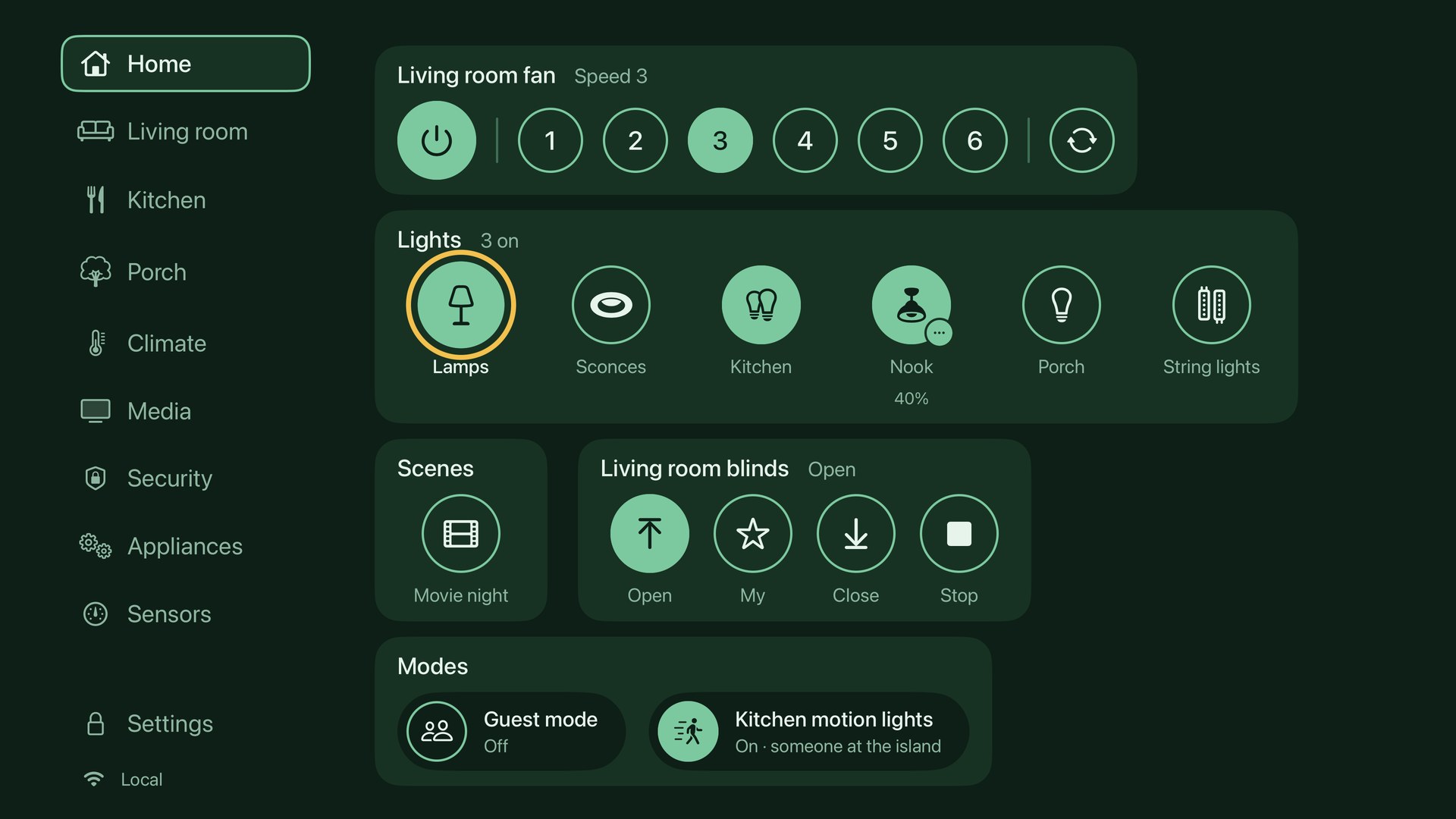
Panels style · Forest colors
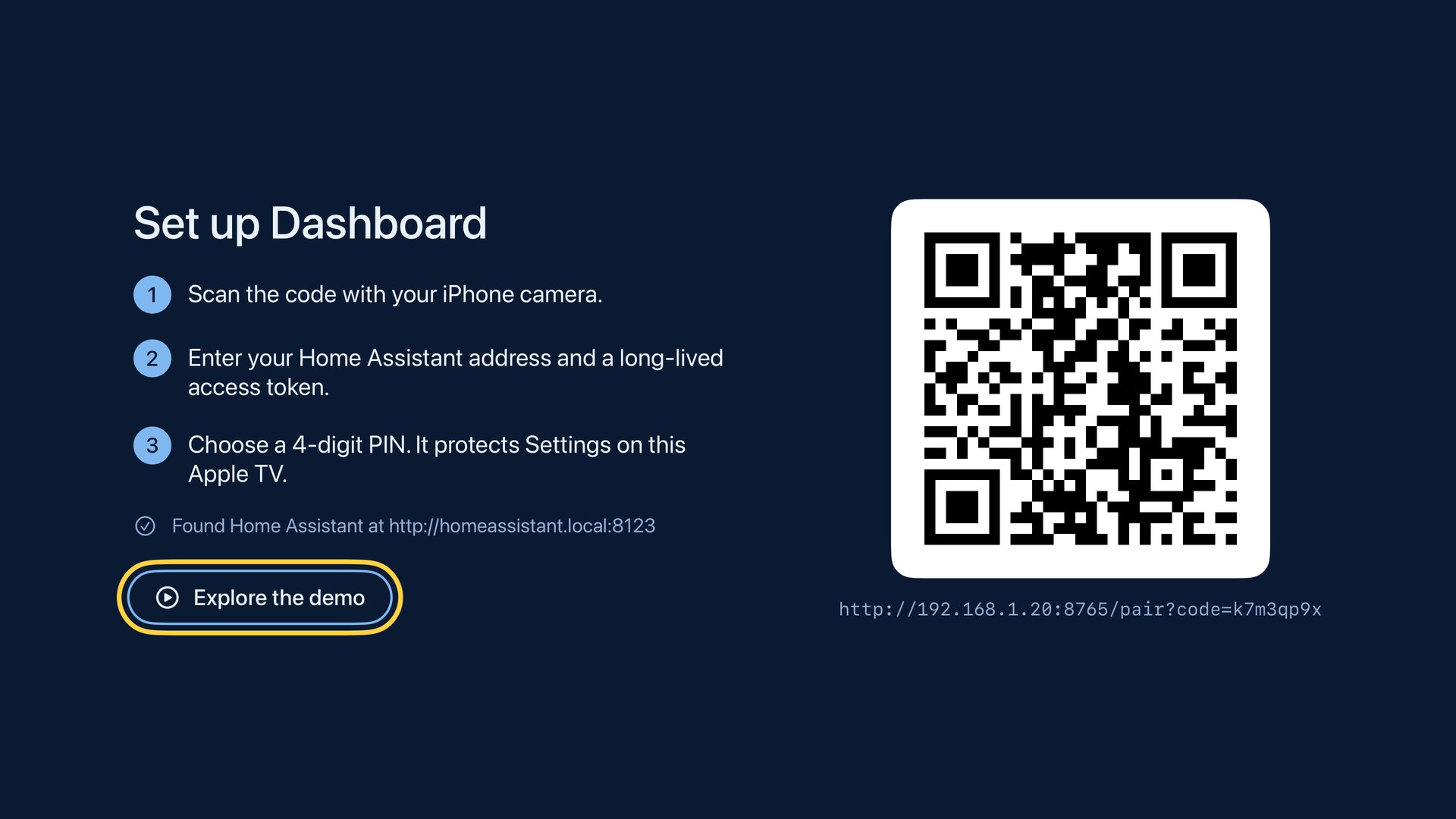
Set up from your iPhone
Built for the Siri Remote
Everything on your dashboard, one click away
For Apple TV HD and Apple TV 4K running tvOS 18 or later, and a Home Assistant server you run yourself, on your own hardware or a hosted instance. You'll need a long-lived access token from your Home Assistant profile, and an iPhone or any phone with a camera makes setup quickest. The app connects to your local address first and can fall back to a remote one, such as Home Assistant Cloud, when you're away from home.Home Automation Dashboard is an independent app. It isn't made, endorsed or certified by the Home Assistant project, the Open Home Foundation or Nabu Casa.
No server yet? Choose Try the demo on the welcome screen to explore a fictional sample home with every kind of control: fans, lights, climate, media, live cameras, locks, an alarm and appliances. Nothing you do in the demo reaches a real device, and you can connect your own home from there whenever you're ready.
Privacy
Your home stays between your TV and your server
Home Automation Dashboard connects only to the Home Assistant server you set it up with. There's no account with the developer, no developer server and no analytics, advertising or tracking. Your server address, access token and PIN are kept in your Apple TV's Keychain, and unlock and alarm codes are never stored. Its App Store privacy label is "Data Not Collected." Read the full privacy policy.